Most passengers never notice these 10 crucial airport tasks. Do you?
 General
Terminal secrets
Most passengers never notice these 10 crucial airport tasks. Do you?
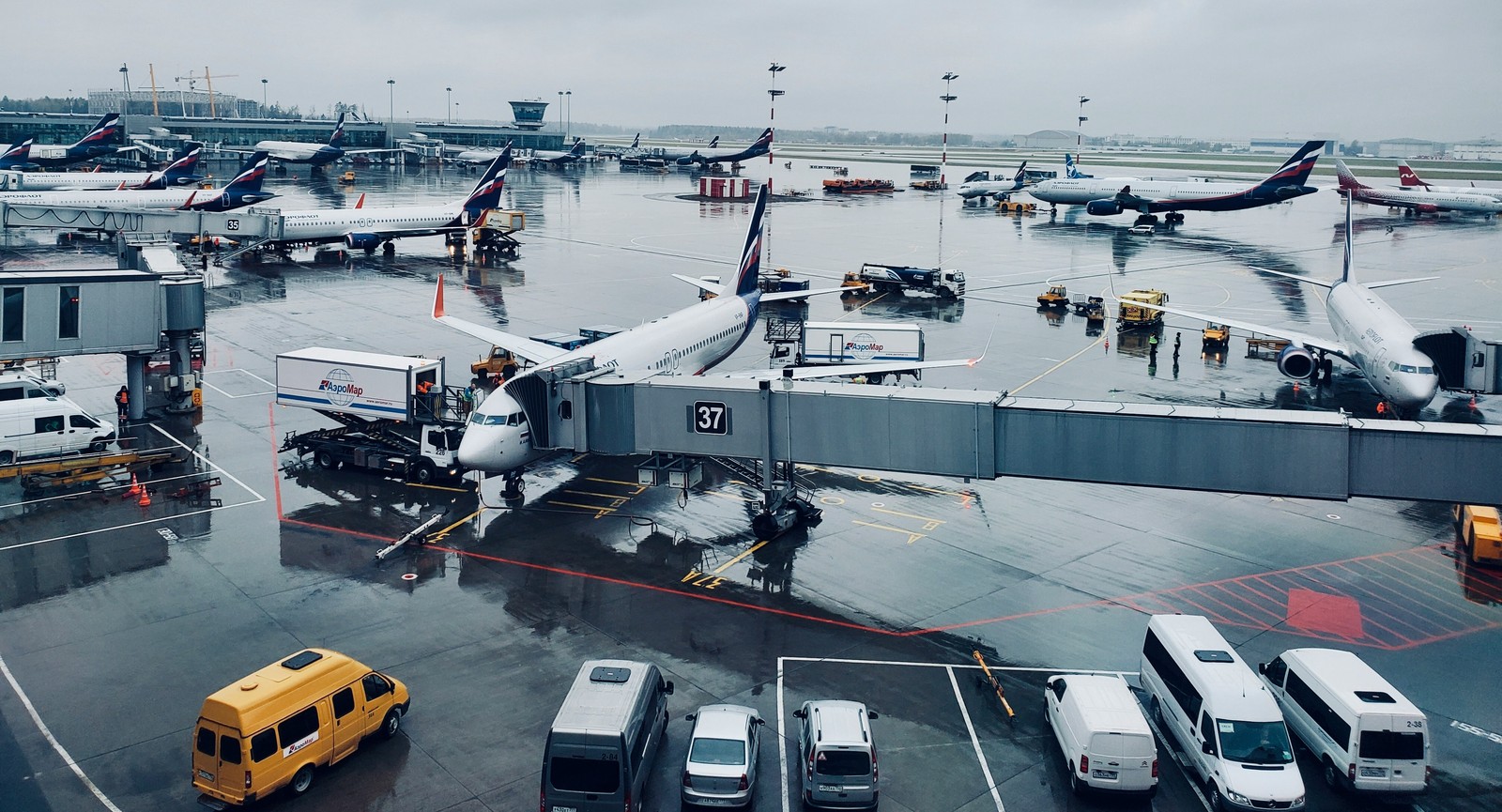
Most travelers see airports as places to check in, grab a coffee, and board a flight. But, behind the scenes, thousands of professionals and systems work together every hour to keep aircraft moving safely and efficiently. Take a look at these highly coordinated functions — at least a few will surprise you.
Inspect runways and taxiways for hazards
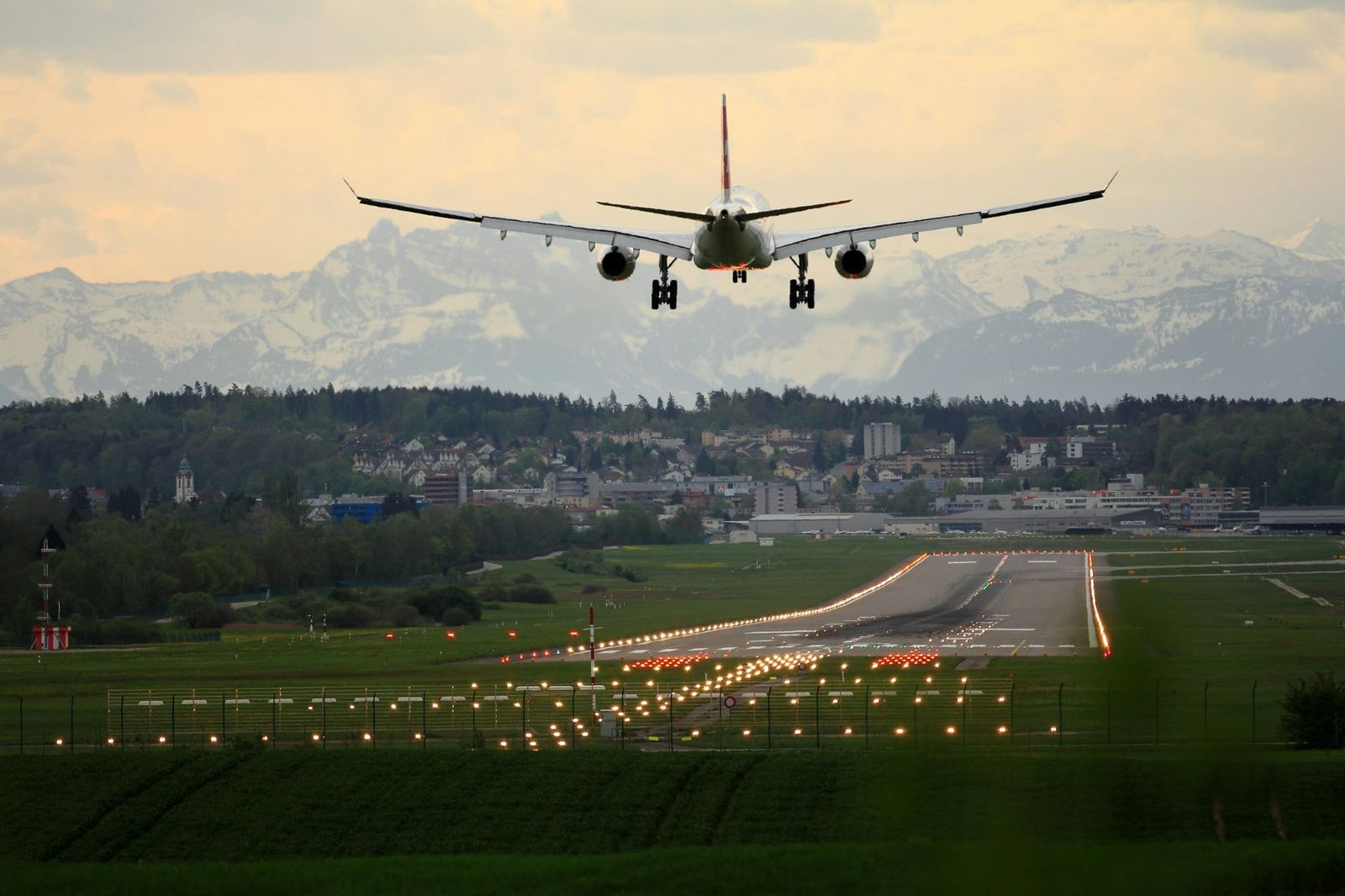
Before pilots can use a runway or taxiway, airport operations teams must ensure the surface is safe. Inspectors look for cracks, standing water, loose pavement, tire rubber buildup, and anything else that could affect aircraft operations. These checks happen repeatedly throughout the day.
Even tiny objects can become dangerous at high speeds. A loose bolt or piece of metal may damage a tire or get pulled into a jet engine. Regular inspections help airports identify problems early and keep aircraft moving safely from gate to runway.
Keep birds and wildlife away from aircraft

Birds and airplanes are a risky combination. Airports operate wildlife-management programs designed to reduce the chance of bird strikes and other animal-related incidents. Depending on the location, teams may use patrol vehicles, noise devices, habitat management, or trained birds of prey.
The goal is not to harm wildlife but to keep it away from areas of aircraft movement. Airports study local animal behavior, monitor migration patterns, and constantly adjust their strategies to reduce hazards while maintaining a safe environment for both aviation and wildlife.
Manage access to secure airport zones

Many parts of an airport are off-limits to the public. Areas such as ramps, baggage facilities, maintenance zones, and runways require strict access controls. Airports continuously monitor who enters and exits these locations throughout the day.
Employees typically need security badges, background checks, and authorization for specific areas. Cameras, gates, and electronic systems help prevent unauthorized access. These controls are a critical part of airport security and help protect passengers, aircraft, and airport operations.
Coordinate dozens of ground-service teams around every flight

When an aircraft arrives, a number of teams immediately get to work. Baggage handlers unload luggage, fuel crews refuel the aircraft, cleaners prepare the cabin, caterers restock supplies, and maintenance personnel inspect equipment.
Many of these tasks occur simultaneously during a short turnaround period. Because every minute matters, airports and airlines coordinate closely to keep operations on schedule. A delay affecting one team can quickly impact the aircraft’s next departure and many flights beyond it.
Decide exactly where every aircraft will park

Assigning a gate involves far more than finding an empty parking space. Airport operations teams consider aircraft size, airline requirements, connecting passengers, equipment availability, and nearby departures before making a decision.
Schedules change constantly due to weather, delays, and operational needs. As a result, gates may be reassigned throughout the day. Sophisticated software helps airports manage these adjustments while minimizing disruptions for airlines and travelers moving through the terminal.
Use airport operations centers to predict problems

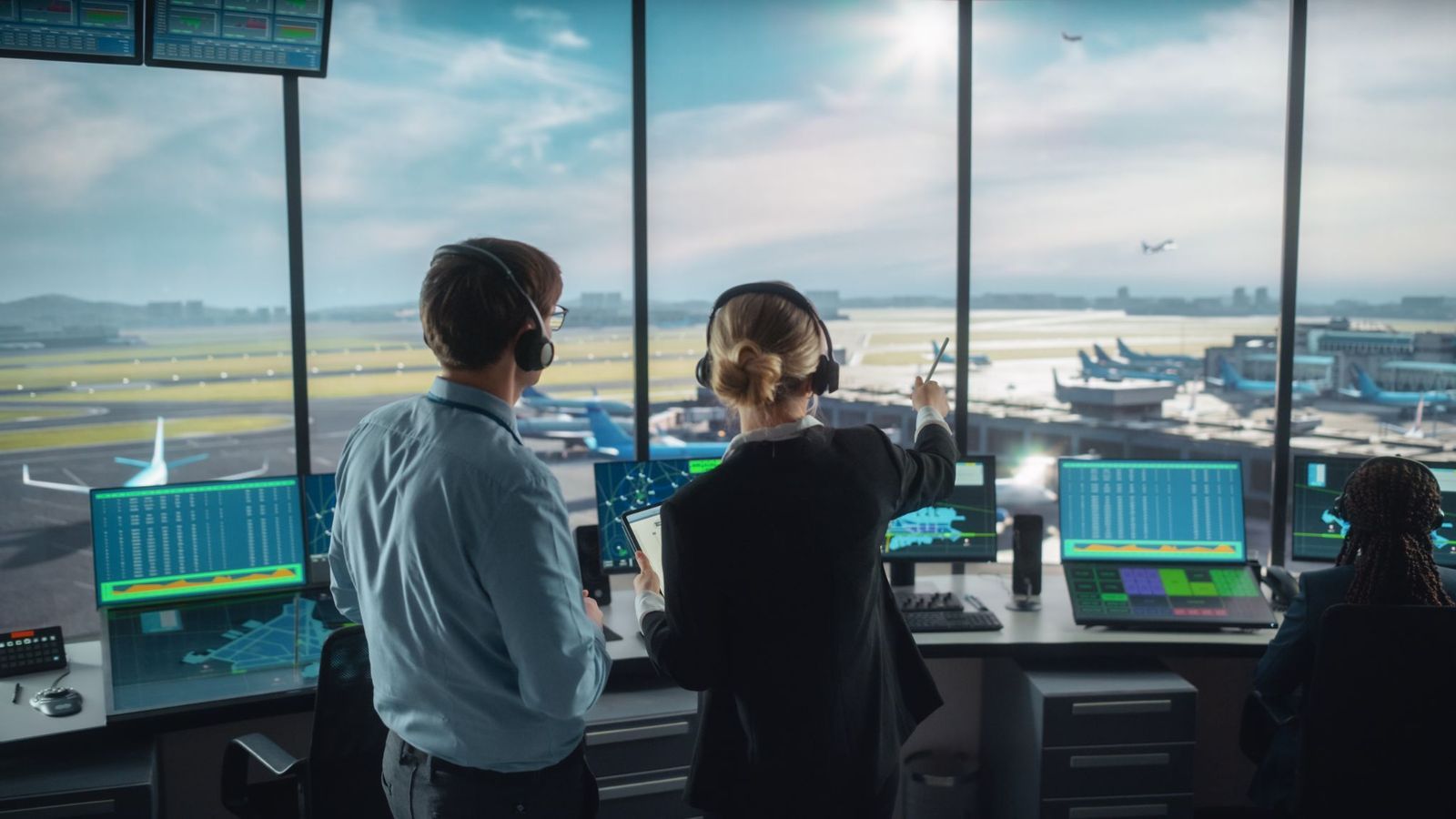
Many large airports operate centralized Airport Operations Centers, often called AOCs. These facilities bring together specialists who monitor weather, flight schedules, staffing levels, security issues, equipment status, and many other factors in real time.
The goal is to identify potential disruptions before passengers notice them. If a storm, equipment failure, or traffic surge appears likely, teams can begin coordinating responses immediately. This proactive approach helps airports reduce delays and maintain smooth daily operations.
Inspect thousands of airfield lights
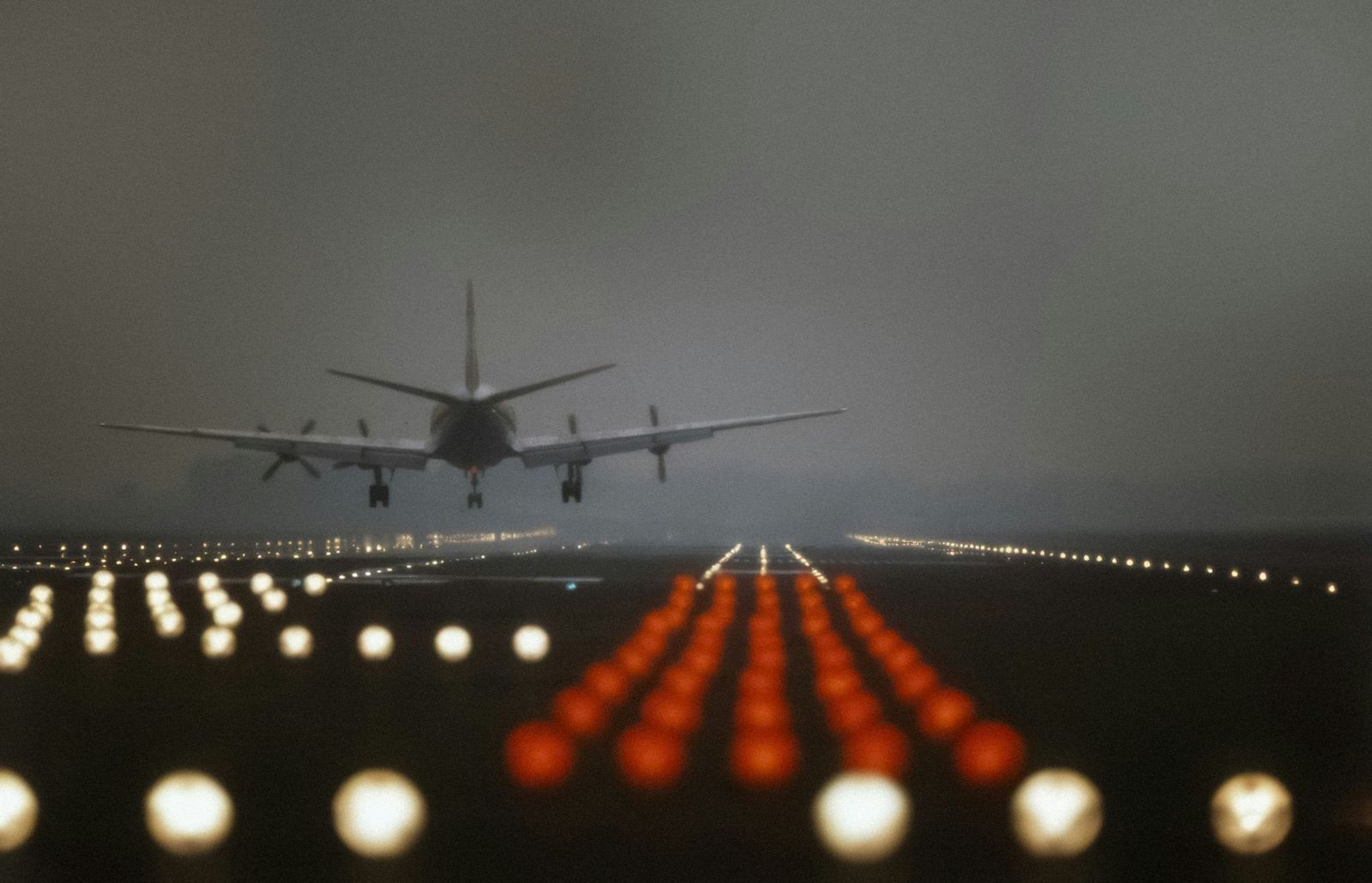
At night or during poor weather, pilots rely heavily on airport lighting systems. Runway lights, taxiway lights, centerline lights, approach lights, and illuminated signs all help aircraft navigate safely around the airfield.
Large airports may have thousands of individual lighting fixtures spread across many miles of pavement. Maintenance teams inspect, repair, and replace lights continuously. Keeping these systems functioning properly is essential for safe operations during darkness and low-visibility conditions.
Monitor every flight’s turnaround timeline

Airports and airlines closely track what happens between an aircraft’s arrival and departure. Every activity follows a schedule, including unloading baggage, cleaning the cabin, refueling, boarding passengers, and completing inspections.
Operations systems compare real-time progress against planned milestones. If one task begins falling behind, teams can intervene before delays spread through the schedule. Careful monitoring helps airports maintain on-time performance and use aircraft as efficiently as possible.
Calculate future capacity and monitor obstacles
Airports constantly analyze future traffic levels. They study runway availability, gate usage, weather forecasts, and airline schedules to estimate how many flights can be handled safely and efficiently in the hours and days ahead.
They also monitor potential obstacles near the airfield. New buildings, construction cranes, communication towers, and even growing trees can affect protected airspace. Tracking these changes helps airports preserve safe flight paths and support future growth without compromising safety.
Prepare for severe weather before it arrives

At airports in colder regions, winter operations usually begin before any snow actually falls. Specialized teams monitor forecasts, inspect equipment, stock de-icing materials, and position snow-removal vehicles in strategic locations around the airfield. Some major airports even activate dedicated winter operations centers when severe weather is expected.
The goal is to keep aircraft and runways safe while minimizing disruptions. Crews may work around the clock clearing snow, treating pavement, measuring runway conditions, and coordinating aircraft de-icing procedures. Much of this preparation happens long before passengers notice any weather-related challenges at the airport.
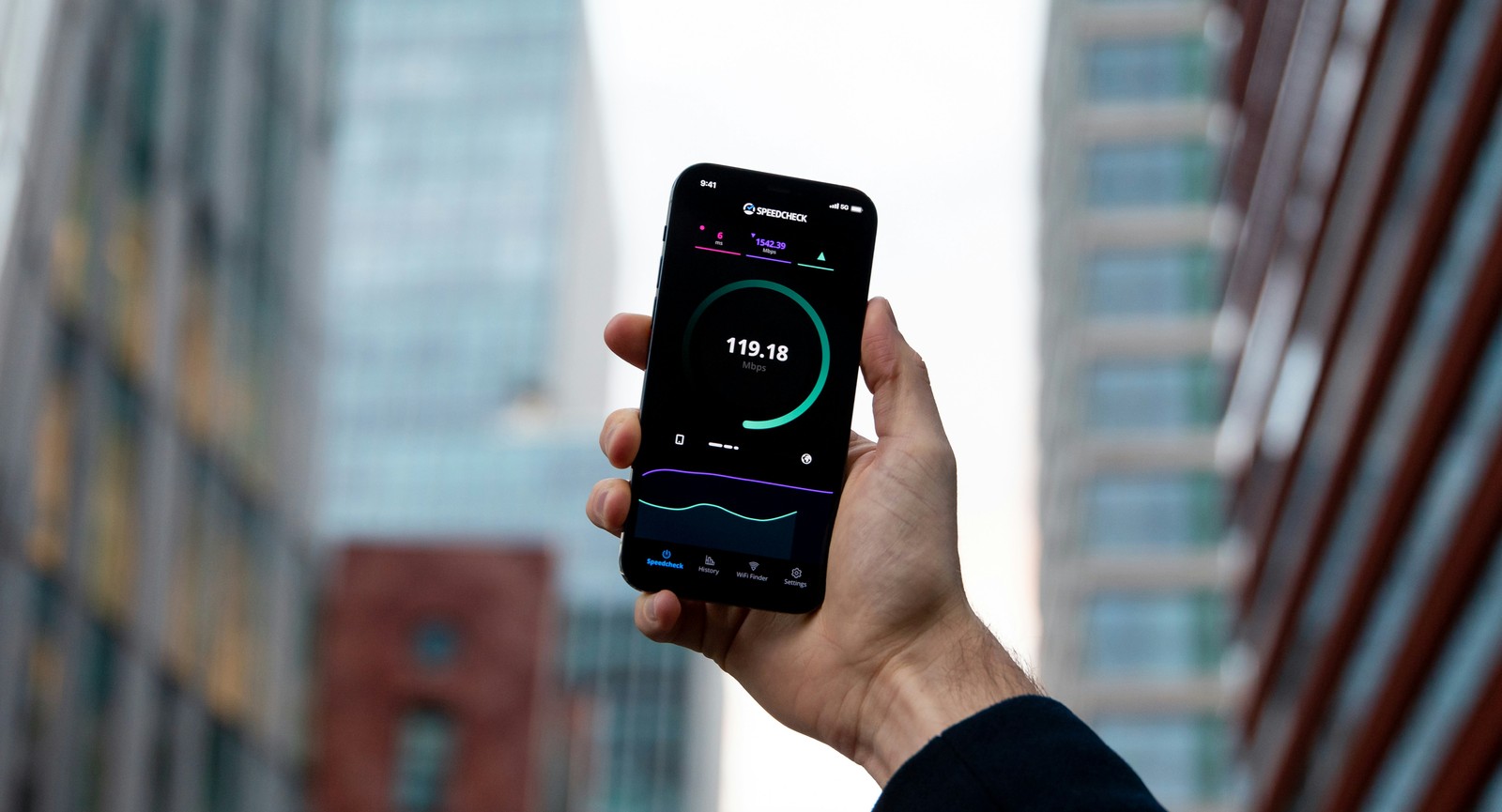
These phone tricks can make you save money and so much more
Your travel buddy
Get the most out of your phone and travel smarter with these tricks
When you're traveling, your phone is the ultimate Swiss Army knife in your pocket, and knowing the right tricks can turn a stressful trip into a breeze.
Did you know that a quick call to your carrier before you board could save you from coming home to an expensive bill? Or that you can download entire city maps before you leave so you’ll never be lost, even without a cell signal? These and other tricks will help you use that device in your hand to travel smarter, safer, and with much more confidence.
Download your maps before you leave home
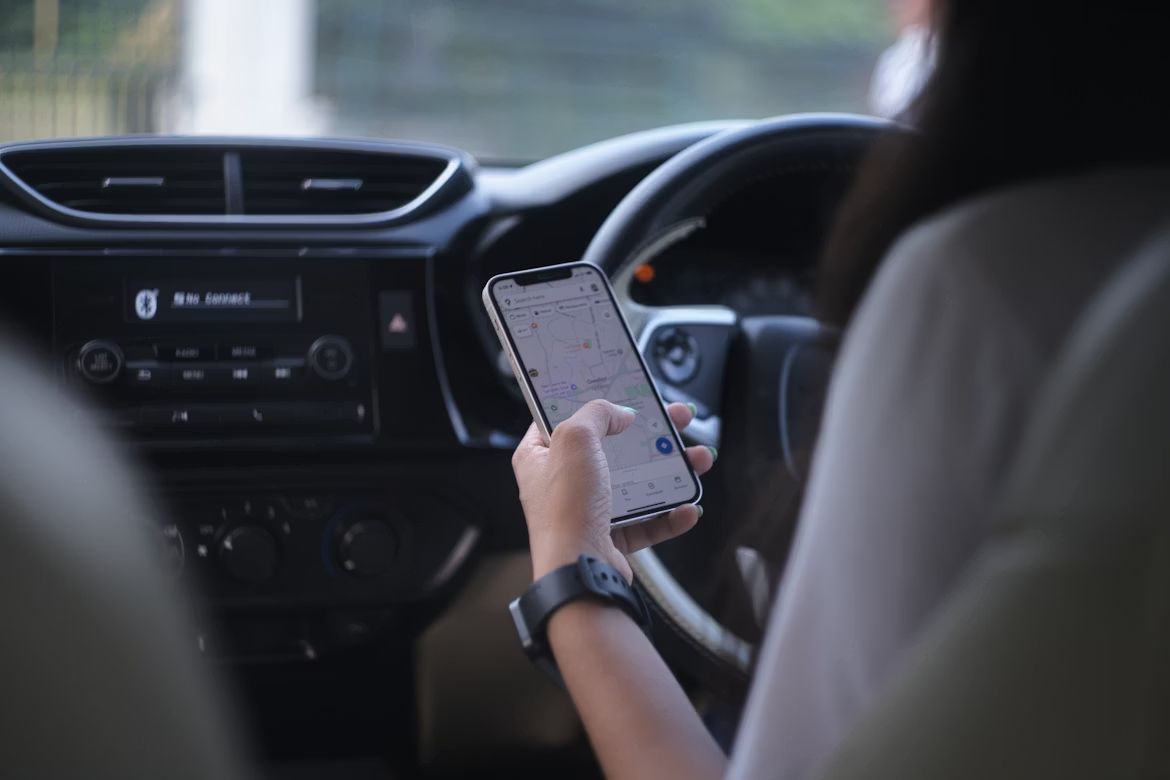
You can save Google Maps for offline use before your trip, meaning you can navigate even when you have zero cell service. Just open Google Maps, search for the city or region you're visiting, tap the three dots in the corner, and hit "Download offline map."
Data roaming abroad can cost you a small fortune, and even domestically, rural areas have spotty coverage at best. With your map saved offline, you can still find that charming diner on Route 66 without burning through your data plan.
Set up your phone for international traveling
Before you board that flight, call your carrier and ask about an international plan. Most carriers offer temporary add-ons that let you use your phone abroad for $10–$15 a day without coming home to a bill that looks like a ransom note.
If you’re feeling more adventurous, you can also pick up a local SIM card when you land. It’s cheaper for longer trips, and locals at the airport kiosks are usually happy to help you swap it in.
Use your phone as a safety net
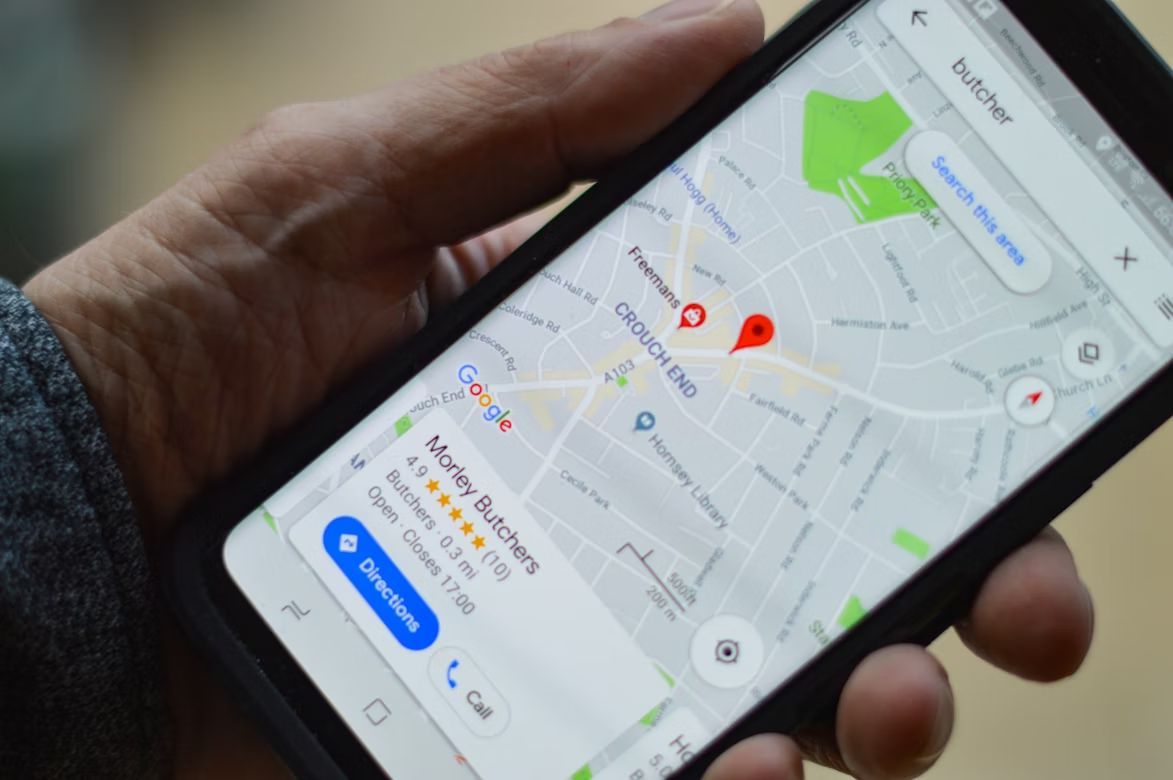
Share your itinerary with a family member back home using a simple app like "Find My" (iPhone) or "Google Maps location sharing" (Android). It lets someone you trust see where you are in real time, which is genuinely reassuring for everyone involved.
Also, take a photo of your passport, travel insurance info, and hotel address, and store it in your phone's photos or email it to yourself. If your wallet gets stolen or you just can't find things in a panic, having those details one tap away is pure gold.
Keep your boarding passes and tickets in your phone’s wallet

Both iPhone and Android phones have a built-in "Wallet" or "Google Pay" app where you can store digital boarding passes, hotel confirmations, museum tickets, and more. Airlines and most booking apps will offer you an "Add to Wallet" button. Tap it. Done.
It sounds like a small thing, but having everything in one place makes airports and train stations so much less stressful. Still, it’s worth keeping a physical backup, since your phone can run out of battery, lose signal, or glitch at the worst possible moment.
Take better photos

Your smartphone camera is probably better than you think. A few simple habits make a huge difference: tap the screen to focus on what matters, hold the phone steady with both hands, and when possible, shoot with the light in front of you, not behind your subject. Cloudy days actually make for beautiful, soft photos.
Also, remember to clean your lens. A quick wipe with your shirt before a big shot removes the fingerprint smudges that quietly ruin your vacation photos.
Use your phone to find restaurants like a local

TripAdvisor and Yelp have "Locals’ Picks" filters, which can steer you away from tourist traps and toward places where actual residents eat. Just search the area you're in, filter by rating and distance, and read a few recent reviews.
Bonus tip: Google Maps offers photos taken by real customers, not just the restaurant's glossy marketing shots.
Back up your photos automatically

Nothing ruins a trip memory quite like losing all your photos because your phone fell in the hotel pool. Turn on automatic cloud backup before you leave. iPhone users should check that iCloud Photos is turned on. Android users should enable Google Photos backup.
With this turned on, every photo you take uploads to the cloud whenever you're on WiFi.
Use a translation app

Google Translate is free, surprisingly good, and genuinely fun to use. You can type words, speak into it, or point your camera at a sign or menu and watch it translate the text in real time right on your screen.
Download the language you need for offline use before your trip (same idea as the maps). That way, even if you’re in a cute restaurant in Tuscany with no WiFi, you can still read the menu.
Use "Do Not Disturb" so notifications don’t ruin your vacation

Your nephew's group text about fantasy football and those promotional emails from every store you've ever visited need not interrupt your gondola ride in Venice. Turn on "Do Not Disturb" mode, which silences all notifications except calls from people you designate as favorites.
On an iPhone, swipe down from the top right and tap the crescent moon icon. On Android, it's usually in the quick settings panel (swipe down twice).
Charge smart: Your battery is more fragile than you think

Cold weather, heat, and heavy use all drain your battery faster than normal. Travel with a portable charger: they're inexpensive, small enough to fit in a purse or jacket pocket, and they've saved many a traveler stranded in an airport with a dead phone and no gate information.
Also, put your phone in "Low Power Mode" (iPhone) or "Battery Saver" (Android) when you’re out exploring and know you won’t be near an outlet for hours.
Keep wandering
There’s always
more to explore

12 things to avoid doing in tourist areas (don’t fall into these traps)
3 min.
Read Now

Why did Salem believe in witches in 1692? The real reason
5 min.
Read Now

Most people have never heard of these overlooked destinations in the U.S.
4 min.
Read Now

You're not giving your carry-on enough credit: 10 efficient packing tips
3 min.
Read Now