Do you still need a paper boarding pass? 10 must-know flying rules
 General
Do you still need a paper boarding pass? 10 must-know flying rules
Air travel can feel like navigating a maze of quirky rules, security protocols, and international regulations. If you’re trying to figure out what happens when a connection goes sideways or whether your passport is in good enough condition to travel, knowing the answers to common travel questions will save you time, money, and stress. Here are practical answers to ten of the most frequently asked questions about flying, airports, and passenger rights.
When should I arrive at the airport?
The general rule of thumb is two hours before domestic flights and three hours before international flights. However, you should adjust this window based on specific trip factors.
Add an extra 30 to 45 minutes if you’re checking luggage, traveling with young children, or flying during peak holiday rushes. Major international hubs also require additional time due to long security queues and terminal transit times. Remember that gate closure times are non-negotiable; most airlines close boarding doors 15 minutes prior to departure for domestic routes and 30 minutes for international ones.
Do I still need a printed boarding pass?
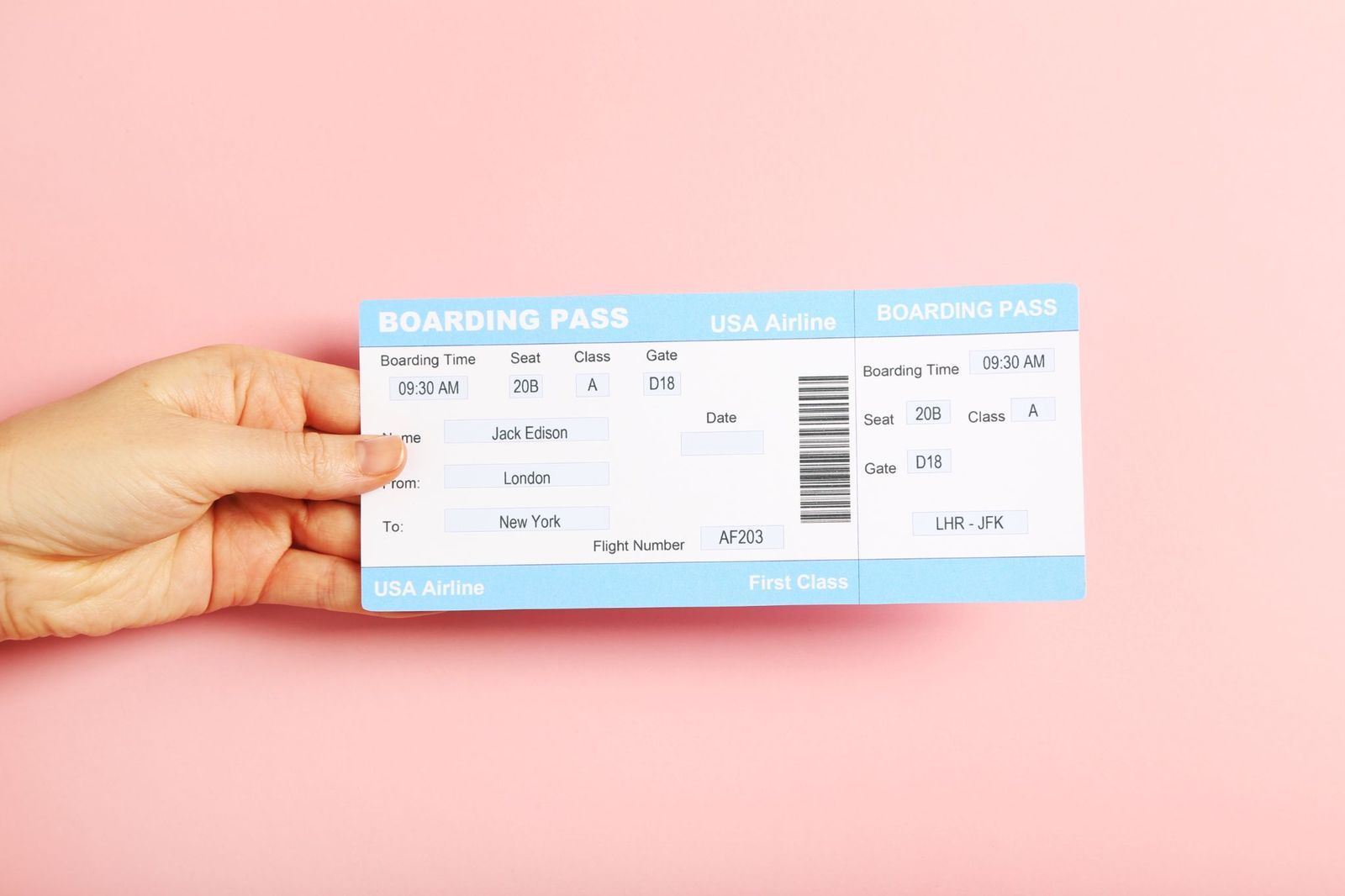
In most cases, no. Mobile boarding passes saved to Apple Wallet, Google Wallet, or an airline’s official app are accepted at security checkpoints and boarding gates worldwide.
However, keeping a printed paper pass remains a smart backup strategy. Paper passes are often required for international flights that demand manual visa and travel document checks before security, as well as at airports with outdated barcode scanners. Furthermore, if your phone battery dies or the airline app fails, a physical pass ensures you won’t lose your spot in line.
Can you fly with a damaged passport?
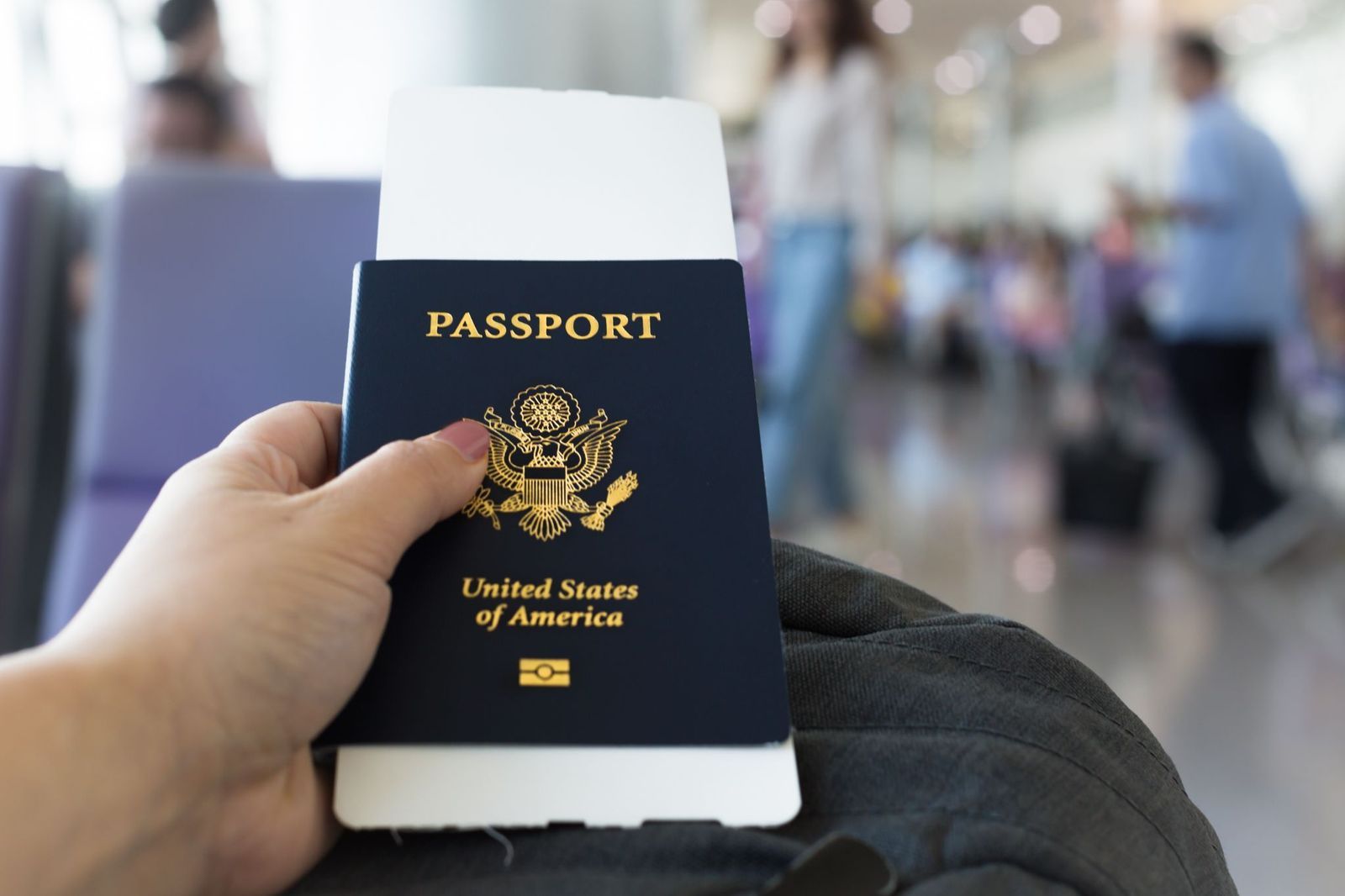
Normal wear, such as slightly curled cover edges or creasing, is generally accepted, but if your passport has significant damage, you will likely be denied boarding at check-in or border control.
Reasons for rejection include: deep tears, rips or missing pages; water damage that causes ink to bleed or pages to stick together; an unreadable or damaged RFID microchip in biometric passports; any separation of the cover from the internal binding. If your passport shows signs of structural or moisture damage, apply for an emergency replacement before your departure date.
Can dogs fly on planes to Europe?
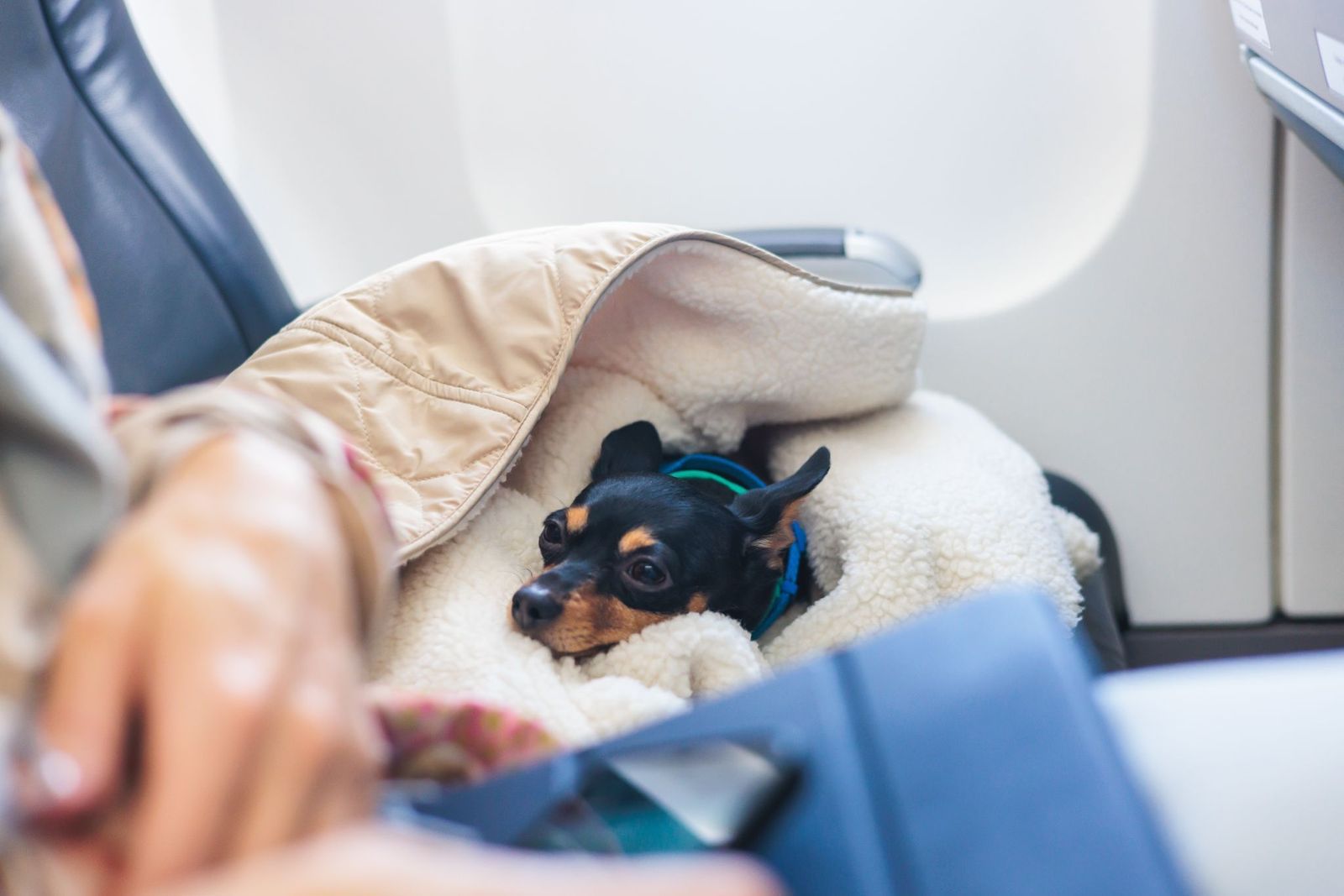
Dogs can fly to European destinations, but the entry requirements are strict and enforced by the European Union. To bring a dog into the EU from a non-EU country, your pet must have an ISO-compliant 15-digit microchip, followed by a valid rabies vaccination.
You must also secure an official EU Health Certificate signed by an accredited veterinarian within 10 days of your travel date. Depending on your dog’s size and the airline’s policies, small pets can travel under the seat in front of you in the cabin, while larger dogs must travel in the cargo hold.
Can you leave the airport during a layover?

Yes, you are allowed to leave the airport during a layover for both domestic and international flights (provided you meet the entry and visa requirements for the country you are visiting).
To make an airport exit worthwhile, aim for a layover of at least 6 hours. Leaving the terminal requires clearing passport control and immigration, storing your luggage, taking public transportation into the city, and returning early enough to clear airport security before your connecting flight.
Can you use Bluetooth on a plane?
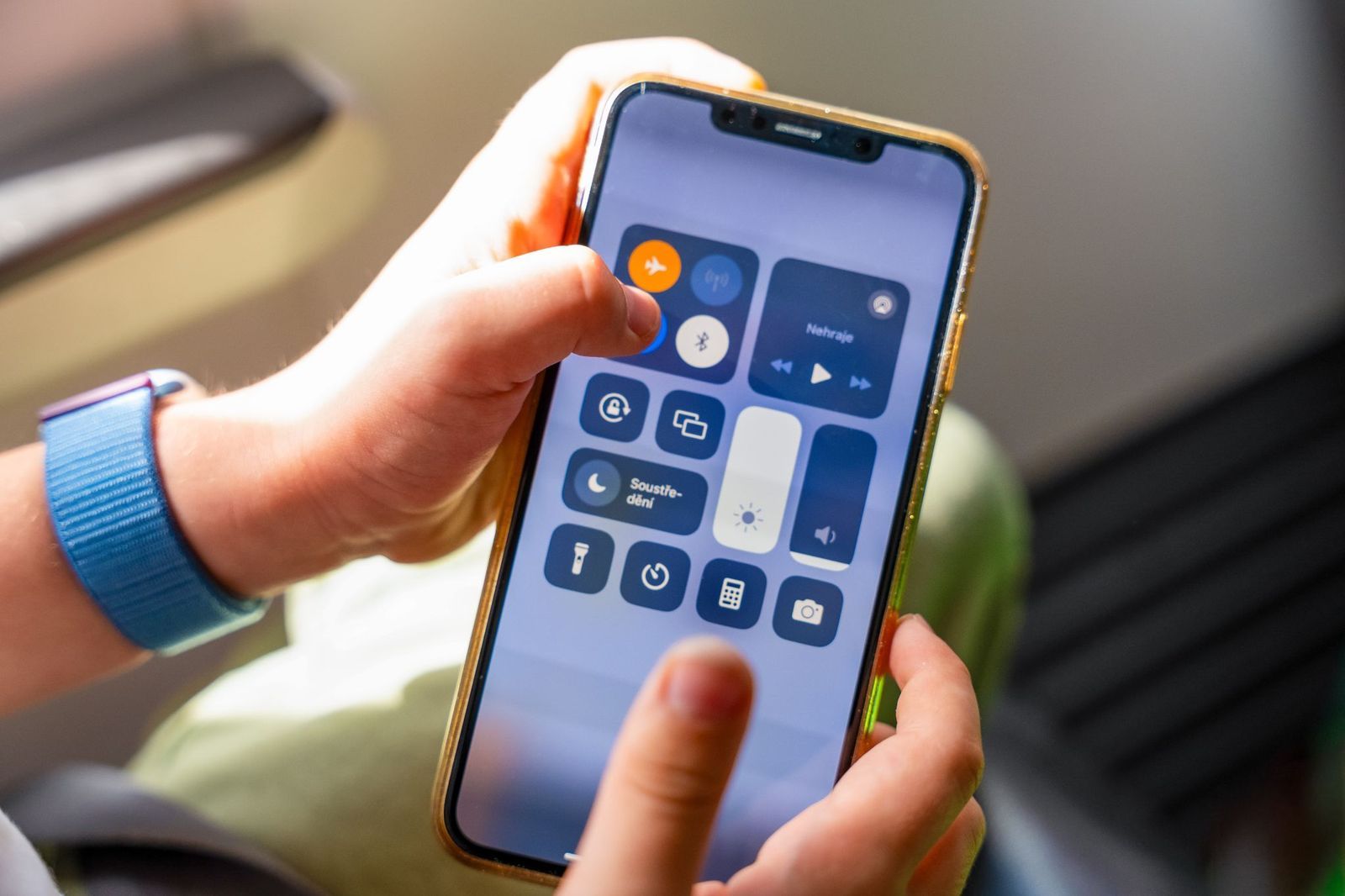
Aviation authorities, including the FAA and EASA, allow passengers to use Bluetooth devices such as wireless headphones, smartwatches, and wireless keyboards during all phases of flight.
That said, your devices must remain in Airplane Mode throughout the flight to disable cellular signals. Once Airplane Mode is activated, simply manually toggle Bluetooth back on in your device settings to pair your headphones to your phone or the aircraft’s entertainment system.
Can you bring food on a plane?
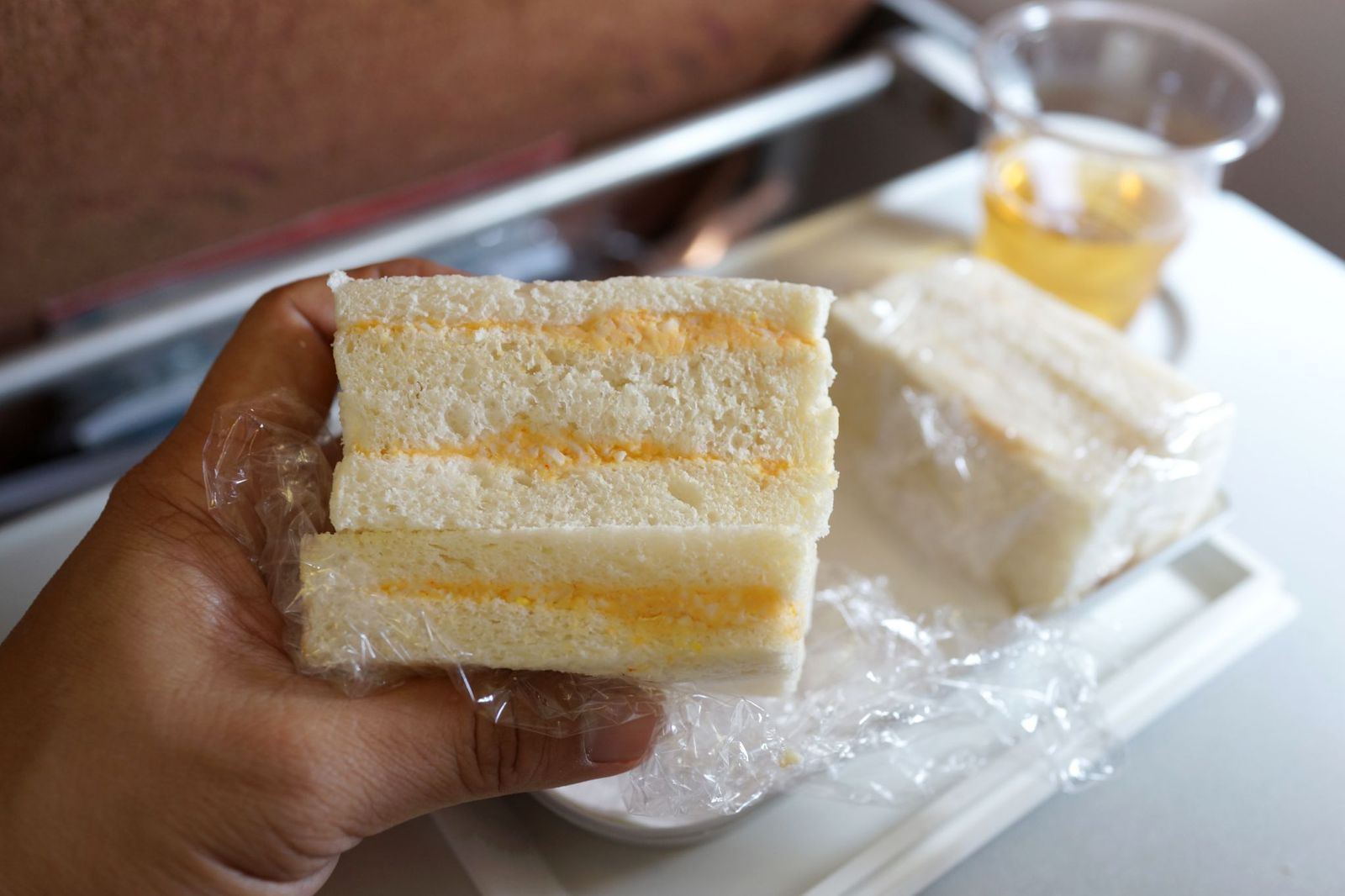
You can pack almost any solid food item in your carry-on bag through airport security. Sandwiches, fruit, nuts, energy bars, pastries, and cooked meals are allowed.
However, liquids, gels, and spreads are restricted. Items like yogurt, soup, hummus, peanut butter, jam, and creamy cheeses must abide by the 3.4 oz liquid rule. If a food item can be poured, smeared, or spilled, it must be kept in containers under 3.4 oz unless purchased after passing through the security checkpoint.
Should I join a frequent-flier program?
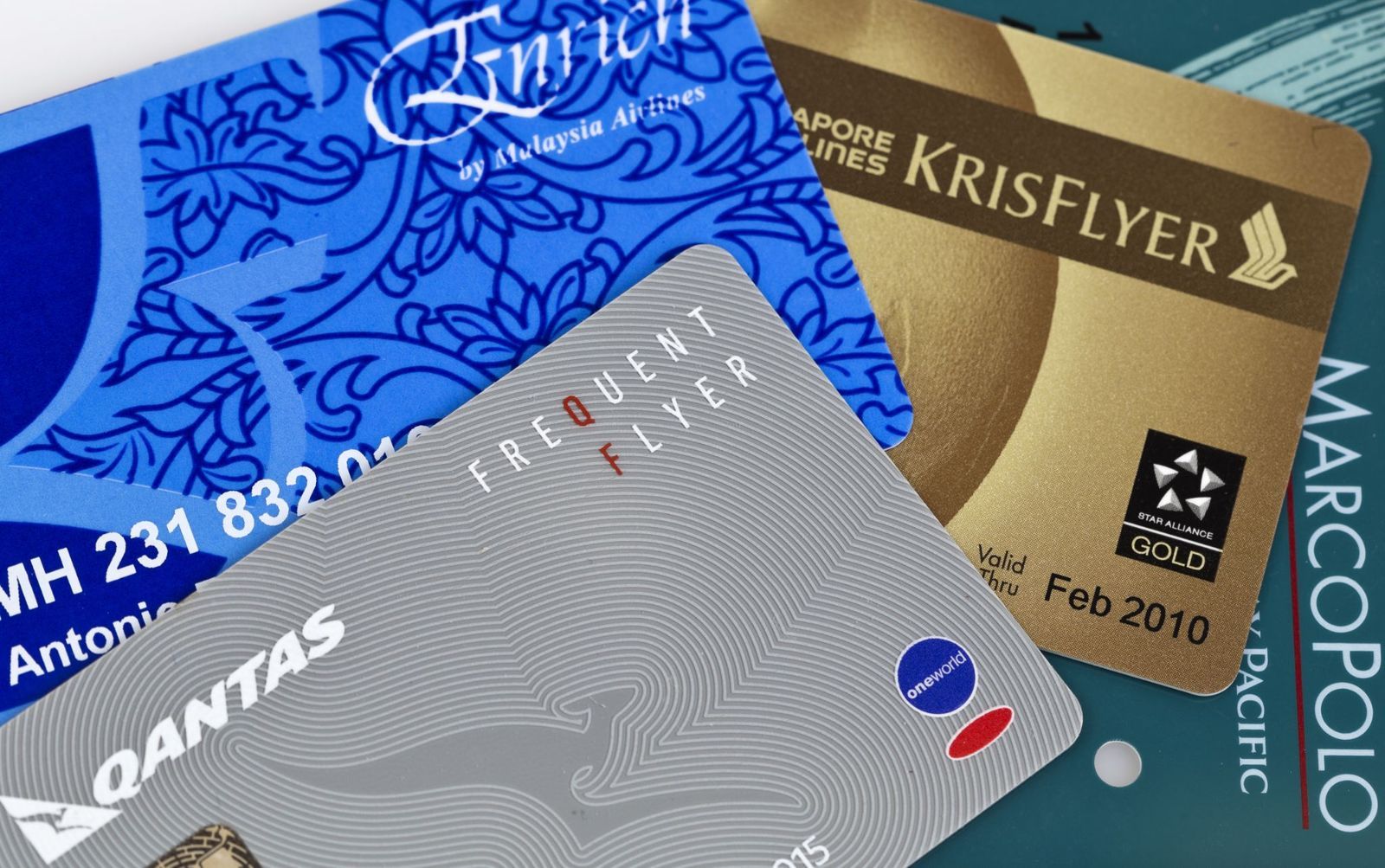
Frequent-flier programs are completely free to join, and there is no financial downside to enrolling with every airline you fly.
Even if you fly once or twice a year, accumulated miles can eventually be redeemed for award tickets, seat upgrades, or rental cars. Joining also elevates your standing on priority lists during unexpected flight cancellations, grants access to airline alliance networks, and unlocks better customer service support when issues arise.
What are my rights if my flight is delayed or canceled?
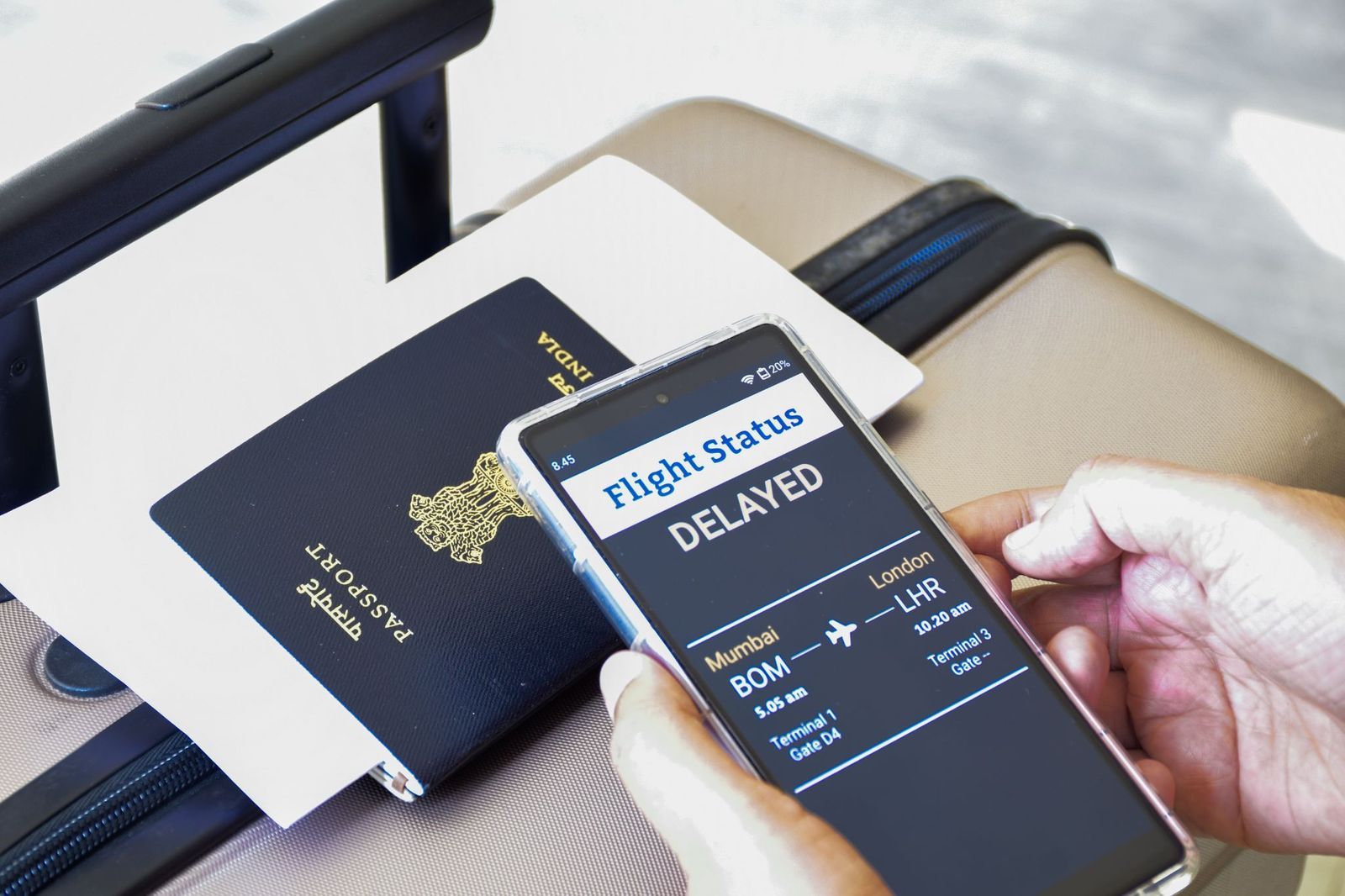
Your rights depend on where your flight originates and the airline operating. If an airline cancels your flight in the United States for any reason and you choose not to accept their rebooking offer, federal law entitles you to a full refund to your original payment method. For controllable delays, such as maintenance or staffing shortages, US airlines must provide meal vouchers and hotel accommodations.
If your flight departs from a European Union or UK airport or is operated by an EU/UK airline, delays over 3 hours or short-notice cancellations within the airline’s control entitle you to free meals, hotel accommodations, and cash compensation ranging from €250 to €600 depending on flight distance.
What happens if I miss my connecting flight?

If your entire journey was booked under a single ticket itinerary, the airline is legally responsible for rebooking you onto the next available flight to your destination at no additional cost. If the delay forces an overnight wait, the airline will generally provide hotel and meal vouchers.
If you booked two separate tickets independently across different airlines, the second carrier is under no obligation to rebook you for free if you arrive late. In that scenario, you’ll likely have to pay a change fee or purchase a new ticket out of pocket.
Google Earth is so much more than a map: these features are game-changers
 Geography
Spin the world with your mouse
Google Earth can be a lot of fun: explore the world with these 12 tips
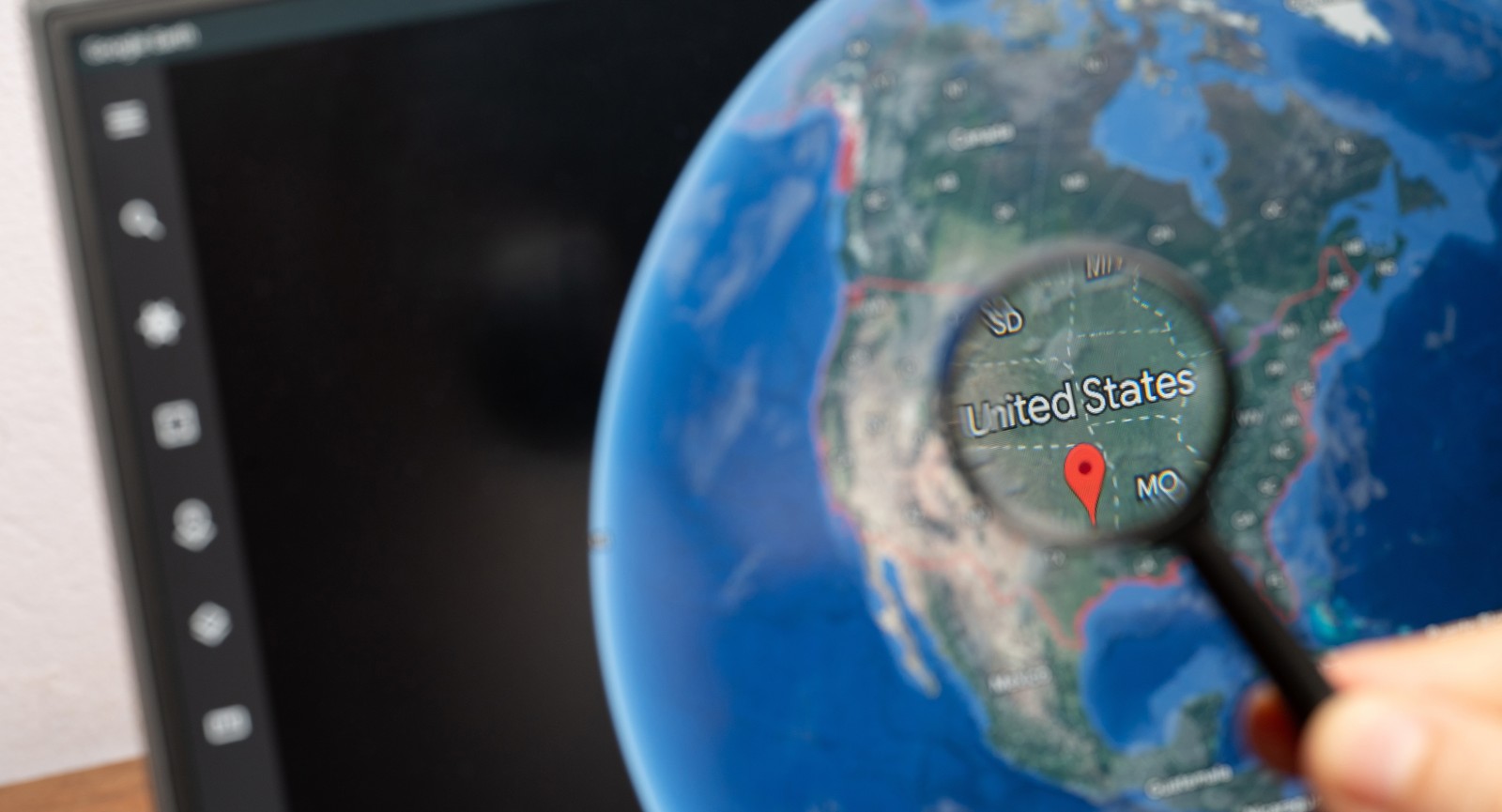
If you’ve used Google Earth at all, chances are high you’ve just searched for a view of your house. But Google Earth is so much more than that. It’s packed with amazing features that let you explore every corner of the globe. You can walk streets 12 time zones away, fly on an airplane, dive into the oceans, or look up at the skies with a level of precision that was unimaginable just a few years ago. Take a look at the following 12 tips and prepare to be blown away.
Travel back in time with historical imagery
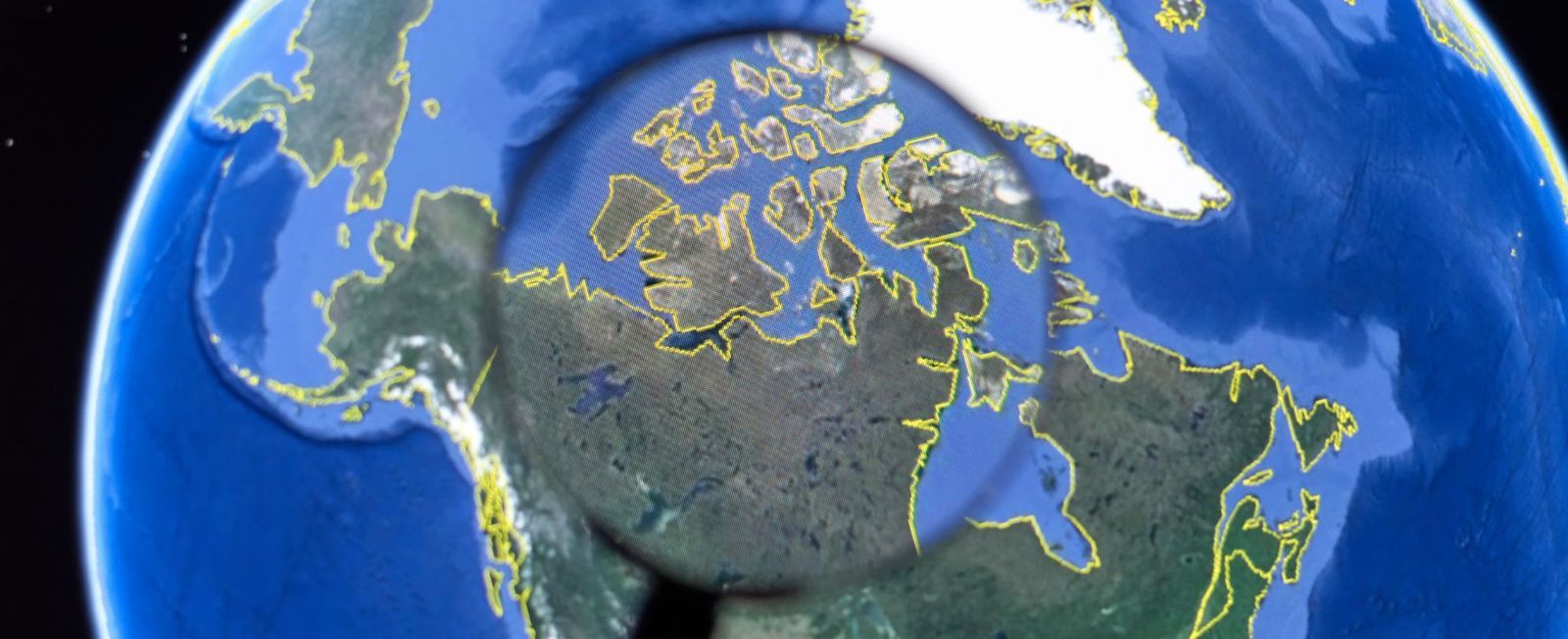
Ever wondered what your hometown looked like 20 years ago? Google Earth's Historical Imagery feature lets you compare older satellite and aerial photos with current ones, revealing how cities, forests, coastlines, and even glaciers have changed over time. In some places, the available imagery stretches back to the mid-20th century, offering an incredible visual record of the past.
Available on Google Earth Pro (the desktop version), the feature is easy to use: search for a location, click the clock-shaped Historical Imagery button, and move the timeline slider through the available years. It's a fascinating way to watch neighborhoods grow, rivers shift, airports expand, and famous landmarks gradually take shape.
Use time-lapse to watch decades in seconds
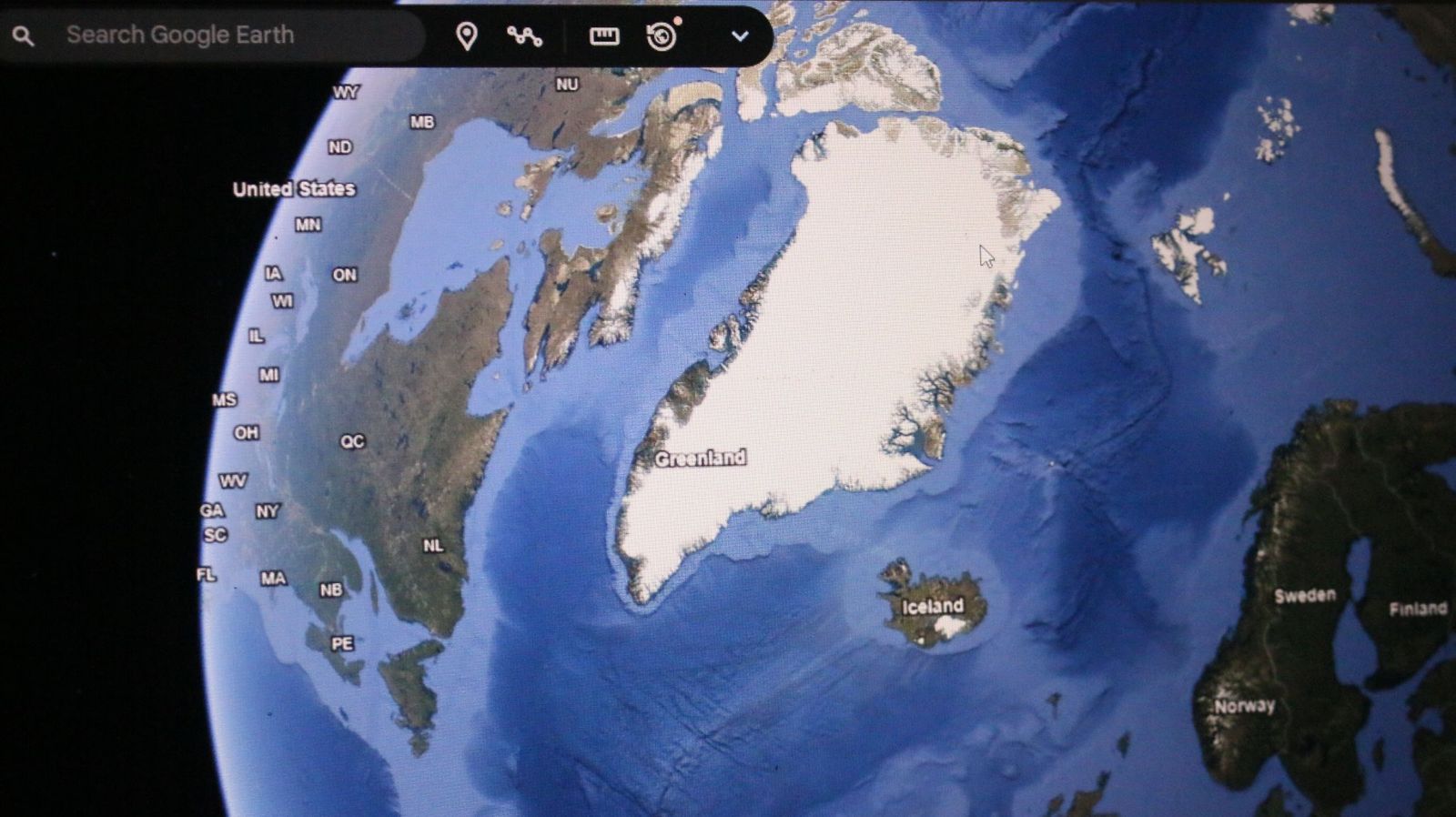
If still images aren't enough, Google Earth's Timelapse feature compresses nearly four decades of planetary change into smooth animated sequences. Created from more than 24 million satellite images collected by NASA, the USGS Landsat program, and the European Copernicus satellites, it allows users to witness years of transformation in just moments.
The results can be astonishing. You can watch Dubai emerge from the desert, Las Vegas spread across Nevada, glaciers retreat in Alaska, or sections of the Amazon rainforest gradually disappear. Besides being visually captivating, Timelapse has become an important educational tool for understanding climate change and urban development.
Explore the world in 3D

Flat maps are useful, but Google Earth's photorealistic 3D mode makes exploring feel far more immersive. Using advanced aerial photography and photogrammetry, the platform recreates buildings, bridges, cliffs, mountains, and entire city skylines that users can tilt, rotate, and fly around from almost any perspective.
Major cities like New York, Paris, Tokyo, and Sydney look especially spectacular in 3D, while natural landmarks such as the Grand Canyon, Yosemite National Park, and Mount Everest become even more dramatic when viewed from different angles. It often feels closer to taking a helicopter tour than simply browsing a map.
Drop into Street View from space
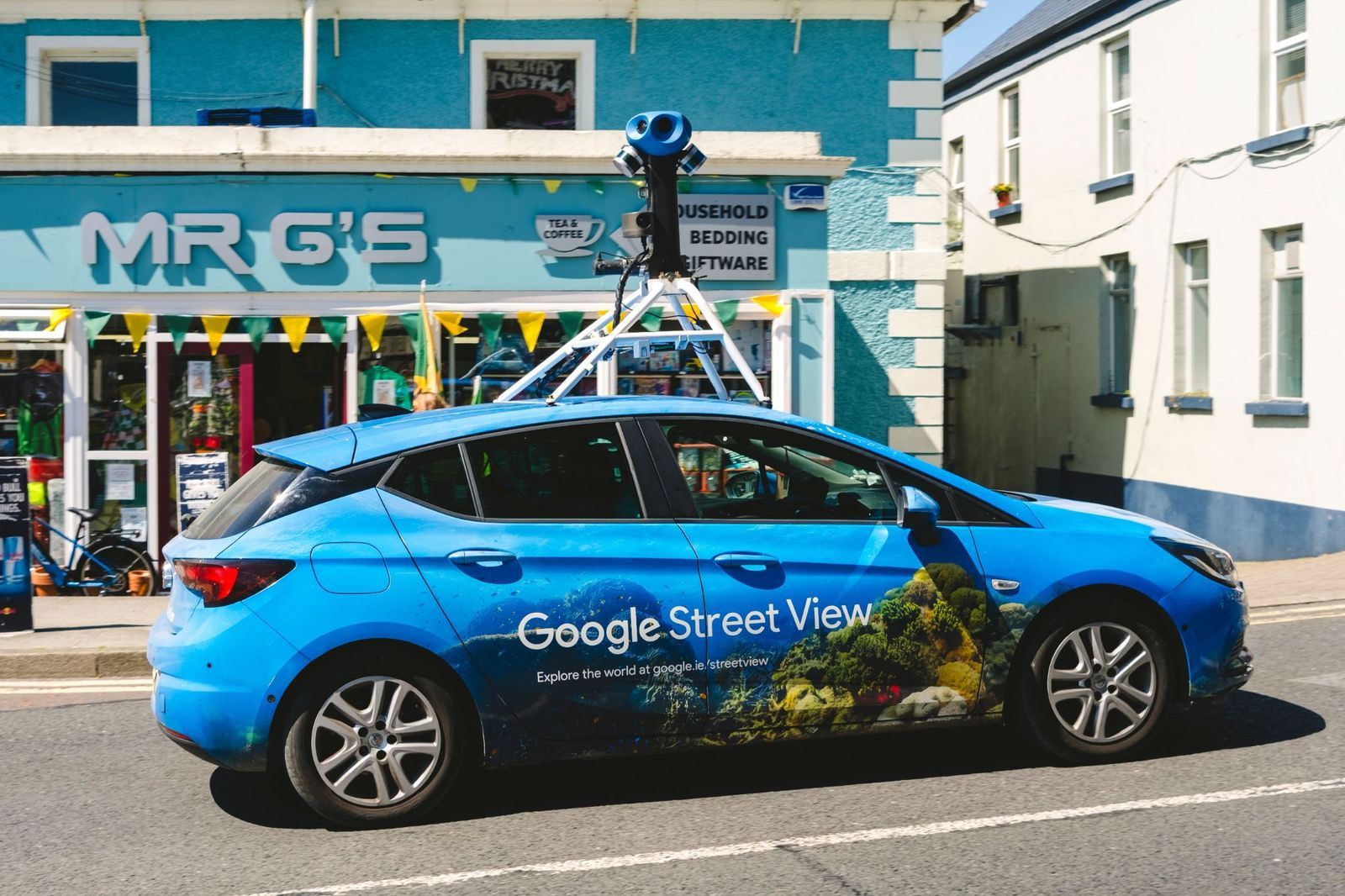
One of Google Earth's most enjoyable and well-known tricks is seamlessly switching from a satellite view to standing on the ground. After locating almost any city or landmark from space, simply drag the Street View Pegman onto a highlighted road to instantly explore the area at eye level.
This combination makes it easy to preview hotels, neighborhoods, hiking trailheads, or famous attractions before traveling. Street View also covers many parks, museums, university campuses, and UNESCO World Heritage Sites, allowing users to enjoy surprisingly realistic virtual walks in destinations across the globe.
Let the "I’m Feeling Lucky" button choose your destination
Can't decide where to explore? Google Earth's dice-shaped "I'm Feeling Lucky" button solves that by teleporting you to a randomly selected destination anywhere on the planet. Along with the new location, you'll see a brief description explaining what makes it interesting, turning every click into a miniature geography lesson.
One moment you might be admiring a volcanic island in the Pacific, and the next you're soaring above an ancient castle, a colorful salt lake, or a remote desert. It's a fun way to discover remarkable places that rarely appear on typical travel itineraries, and a great cure for virtual wanderlust.
Take guided journeys with Voyager

Google Earth's Voyager feature replaces aimless browsing with expertly curated adventures. Working with organizations such as NASA, National Geographic, BBC Earth, and the Jane Goodall Institute, Google has created interactive tours that combine maps, photos, videos, narration, and fascinating stories from around the world.
The topics are incredibly diverse, covering wildlife migrations, Indigenous cultures, famous architecture, marine ecosystems, climate science, and world history. Instead of simply looking at places, Voyager helps explain why they matter, making every virtual journey both entertaining and educational.
Measure distances like a real explorer
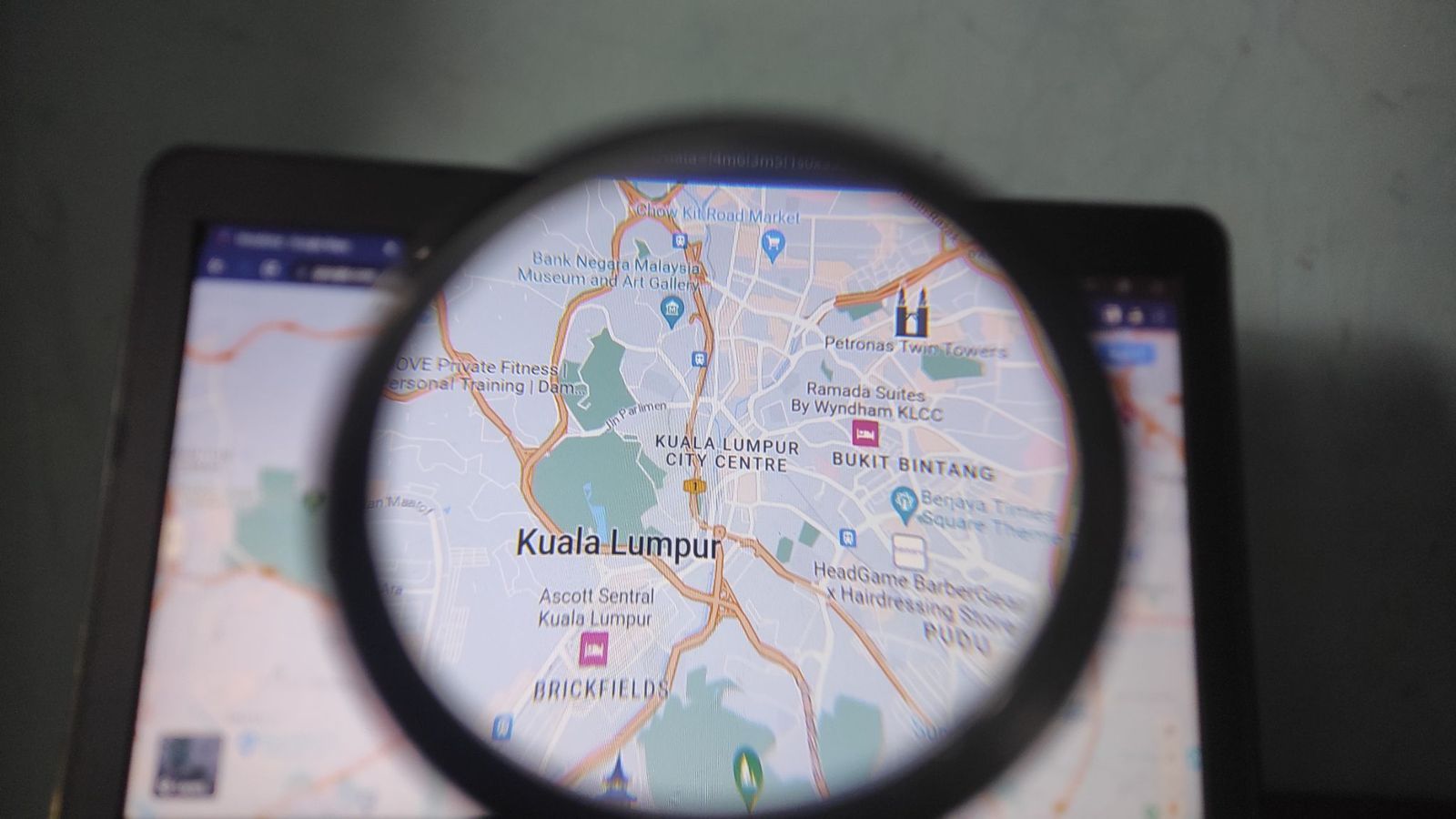
Ever wondered how far a hiking trail stretches or how long a famous bridge really is? Google Earth's Measure tool lets you calculate precise distances between points almost anywhere on the globe, making it useful for travelers, hikers, cyclists, photographers, and anyone planning an outdoor adventure.
Measurements can be displayed in miles, kilometers, meters, feet, or even nautical miles. Whether you're tracing a scenic coastline, estimating the length of a mountain trek, or comparing the size of two famous roads, the tool offers surprisingly accurate results with just a few clicks.
Calculate the size of lakes, parks, and islands
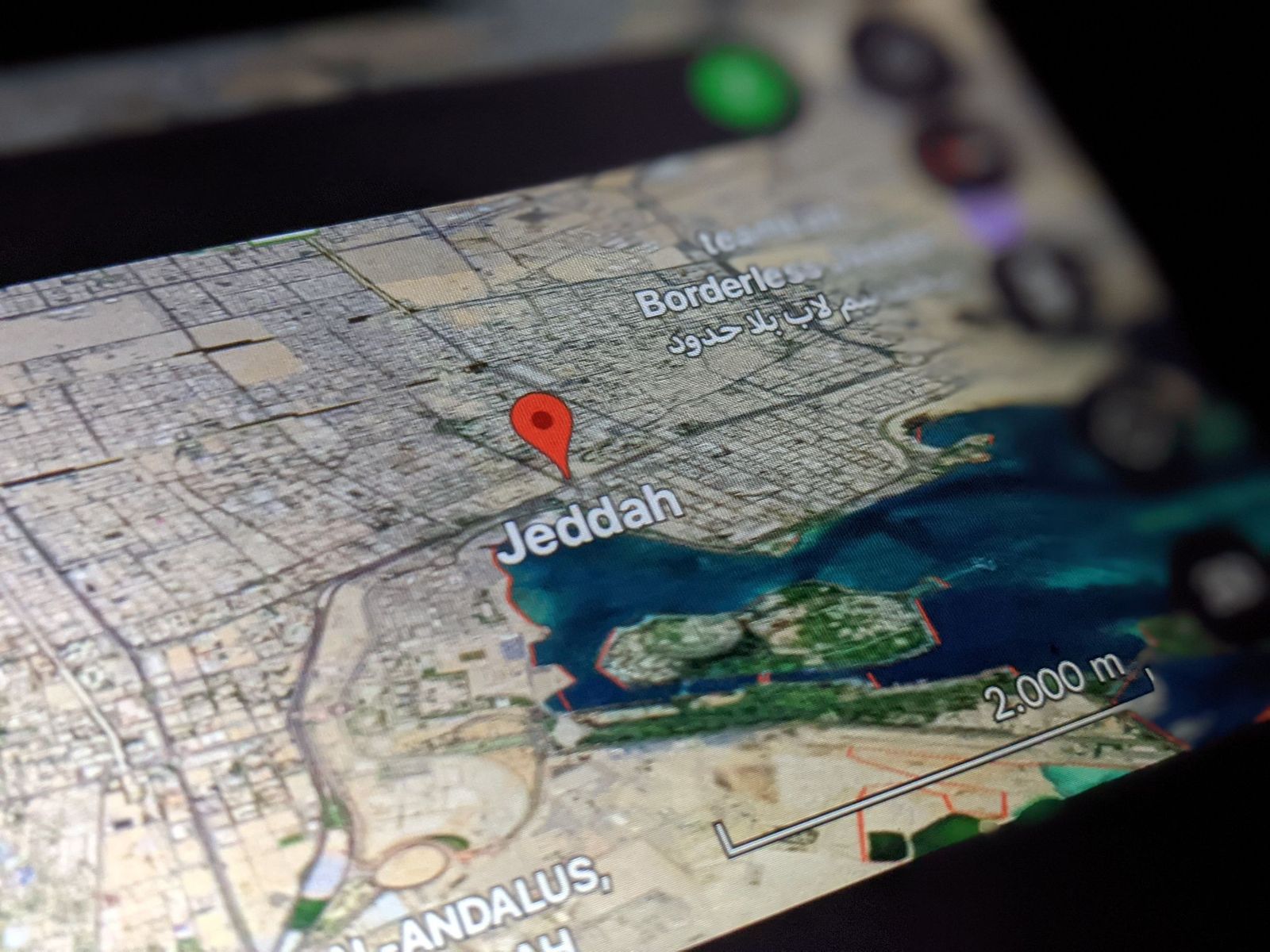
The Measure tool can also calculate area, making it easy to discover just how large natural and man-made places really are. By drawing a simple outline around a lake, island, forest, neighborhood, or city park, Google Earth estimates its total surface with impressive accuracy.
It's a surprisingly addictive feature for curious travelers. You can compare the size of famous parks, estimate the footprint of sports stadiums, measure tropical islands, or see how your hometown stacks up against cities around the world—all without needing any specialized mapping experience.
Build your own travel projects
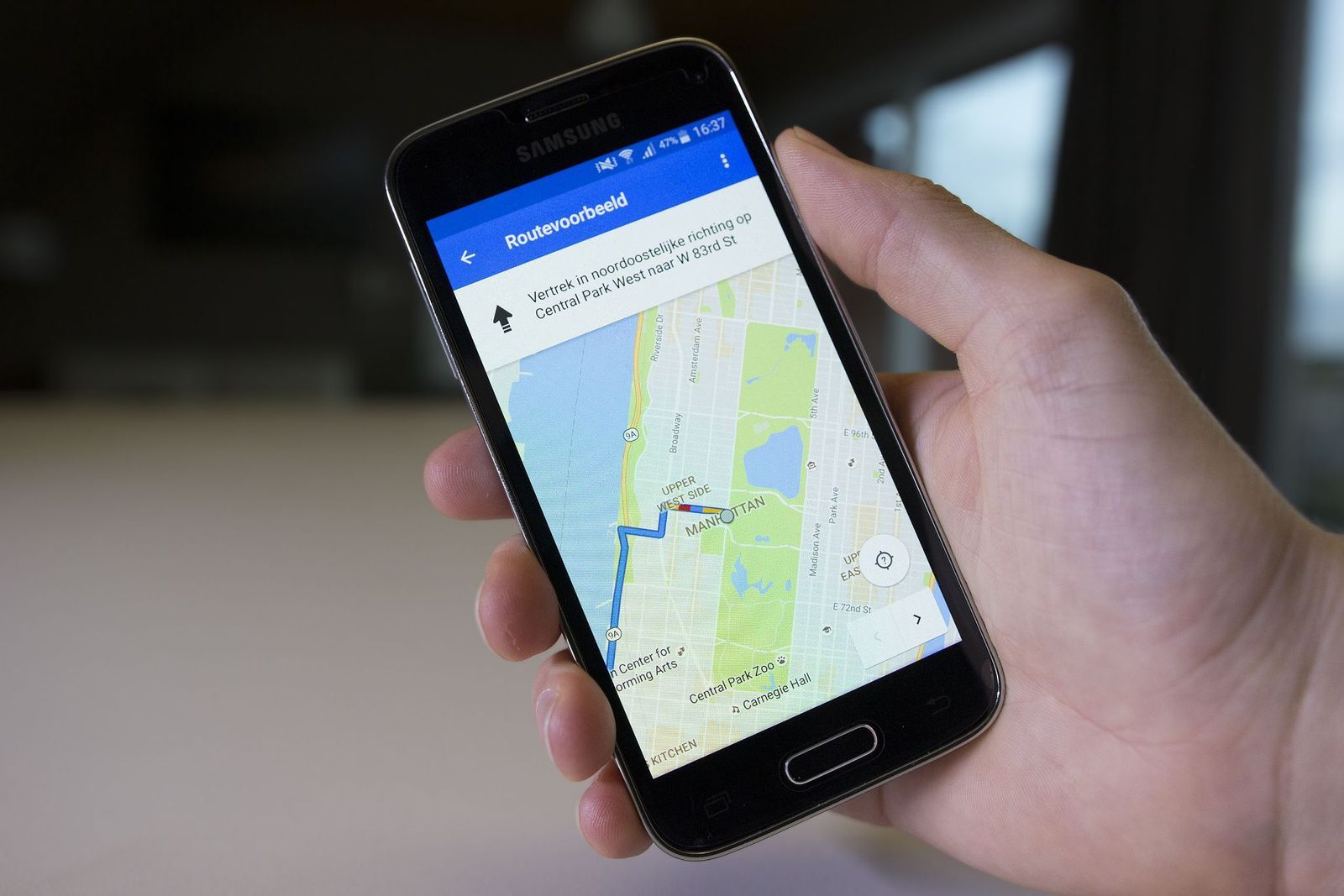
Google Earth isn't just for exploring—it's also a surprisingly useful planning tool. Its Projects feature allows you to create personalized interactive maps filled with saved destinations, notes, photos, videos, custom routes, and highlighted areas, all organized in one convenient place.
Whether you're planning a cross-country road trip, mapping out a dream vacation, or creating a walking tour of your favorite city, Projects help keep everything together. You can even store them in Google Drive and share them with family, friends, or fellow travelers for collaborative trip planning.
Explore the ocean floor
Most people use Google Earth to explore continents, which makes a lot of sense. But the platform also lets you venture beneath the waves. Introduced as part of Google Ocean, this feature combines scientific bathymetric data with satellite imagery to reveal underwater mountain ranges, deep-sea trenches, submarine volcanoes, and vast continental shelves. Click View in the top menu bar, then click Water Surface to turn it on.
You’ll also find information about coral reefs, marine protected areas, and regions known for famous shipwrecks. Although much of Earth’s oceans remain only partially mapped, this feature offers an incredible glimpse into landscapes that few people ever get to see in person.
See the night sky with Sky Mode

Google Earth doesn’t stop at our planet. Sky Mode transforms the familiar globe into a digital observatory, allowing users to explore constellations, galaxies, nebulae, planets, and breathtaking images captured by the Hubble Space Telescope from the comfort of their home.
Developed with assistance from the Space Telescope Science Institute, the feature includes educational overlays that identify celestial objects and explain what you’re seeing. It’s a newer, interactive way to learn basic astronomy.
Use the Flight feature to soar through cities and landmarks
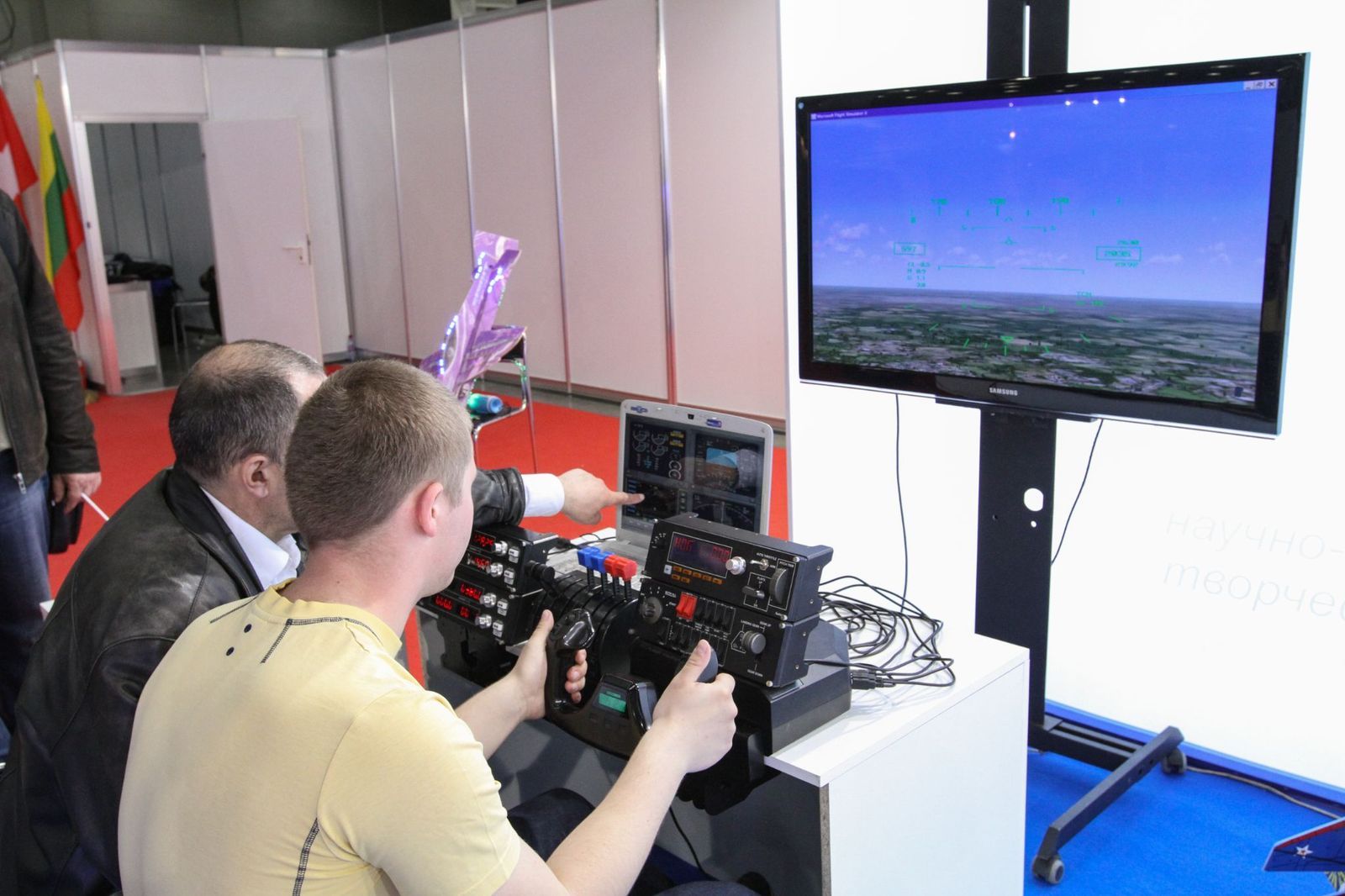
One of Google’s newest additions is its Flight experience, which replaces abrupt jumps between locations with smooth, cinematic flyovers. Instead of instantly appearing at your destination, you glide naturally across mountains, coastlines, skylines, and famous landmarks, creating a much more immersive sense of travel.
The feature shines when exploring 3D cities or mountainous areas. The fluid motion makes virtual sightseeing feel remarkably close to riding in a helicopter or piloting a drone above some of the world’s most spectacular places.
Why do flight attendants seem to sit on their hands during takeoff?
Curious little routines
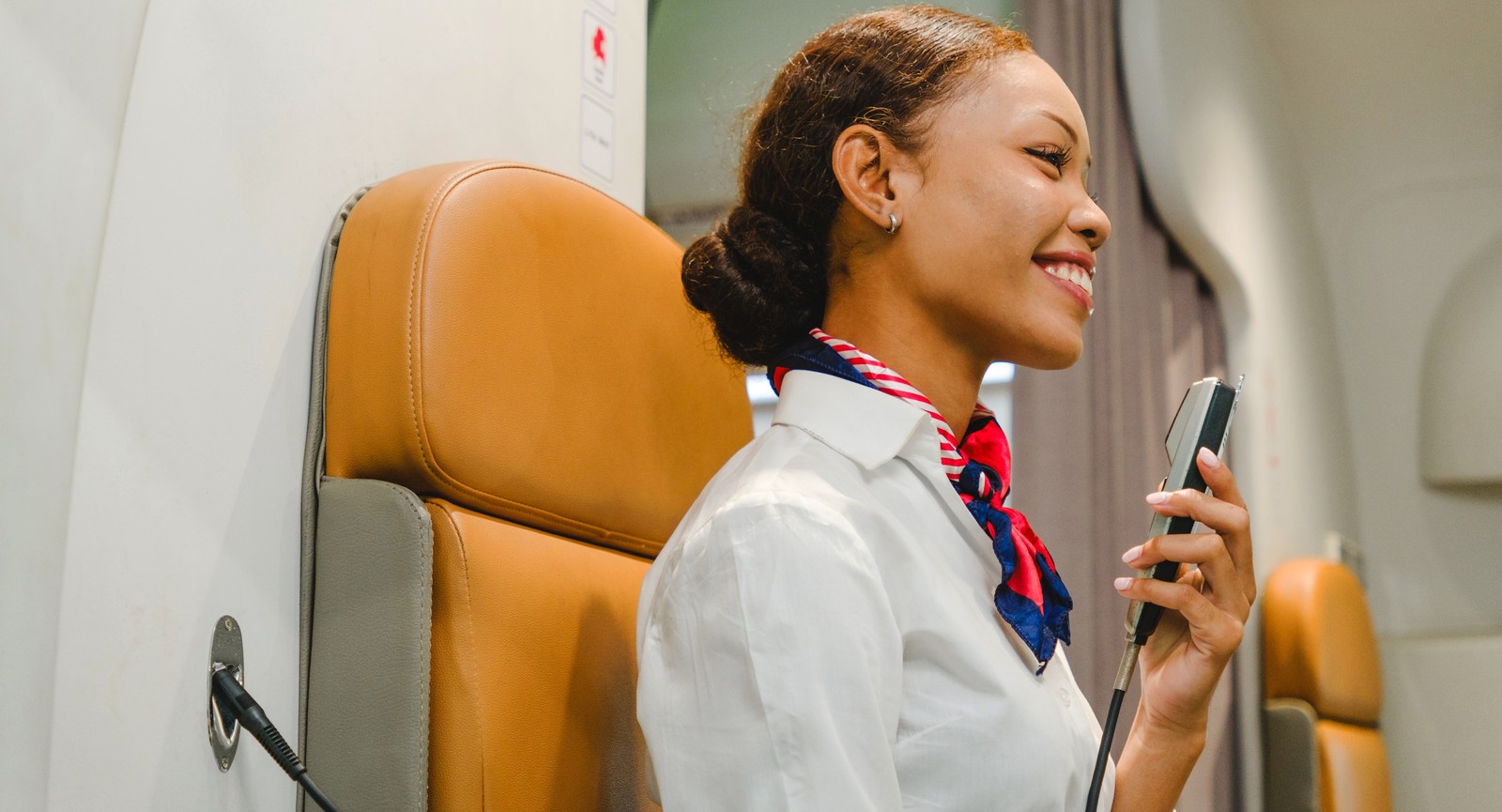
Why do flight attendants seem to sit on their hands during takeoff?
Most of us know the routine by heart: seat upright, tray table stowed, window shade open, bag under the seat. Meanwhile, flight attendants make one last trip through the cabin before strapping themselves into their unusual little seats. Almost none of these rituals are arbitrary. Many exist because takeoff and landing are moments when the cabin must be ready to go from ordinary flight to emergency response with almost no warning. Here are 12 things that cabin crews are actually doing, and why.
Sitting on their hands during takeoff and landing
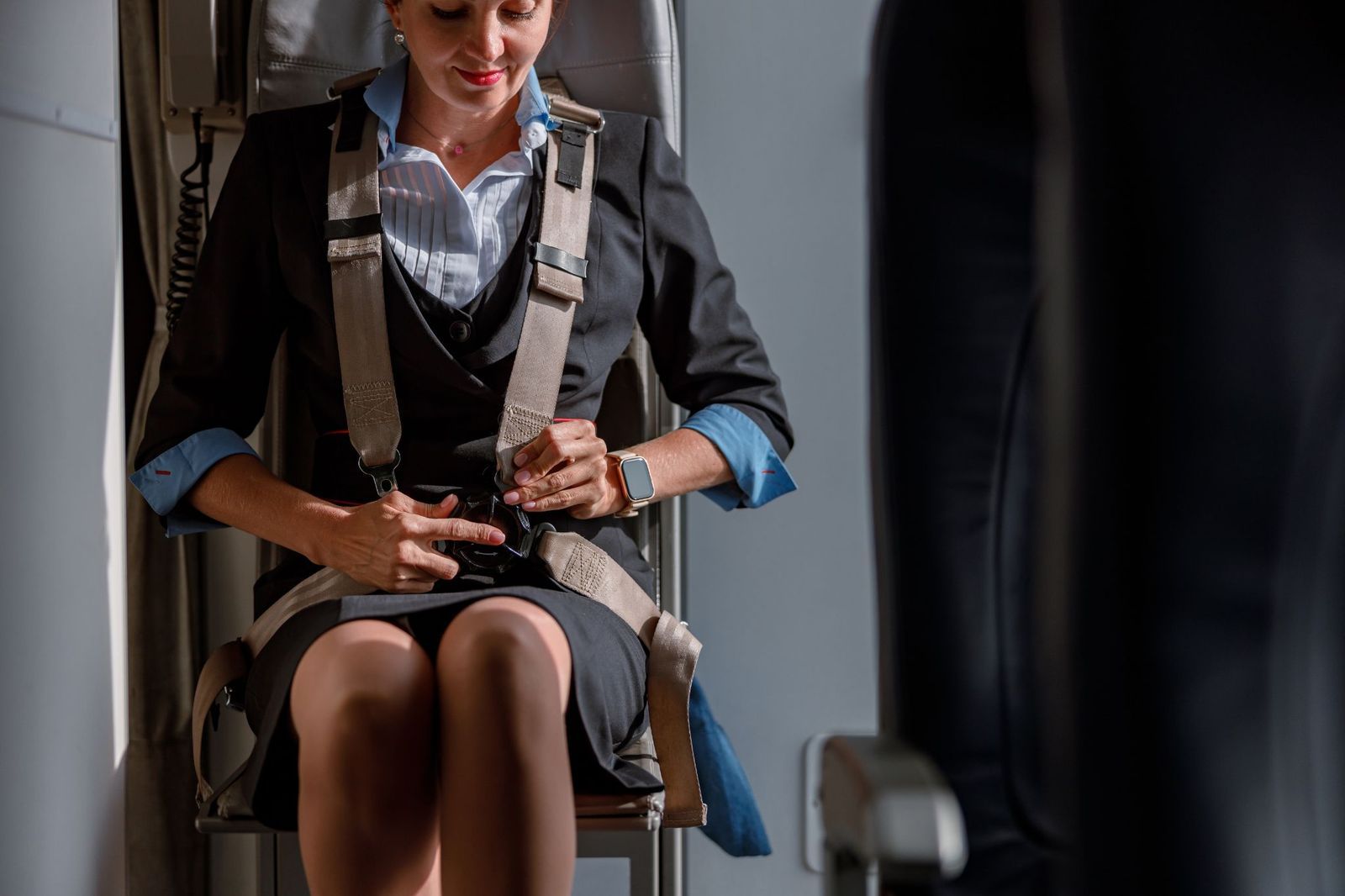
You may have noticed flight attendants sitting remarkably still in their jumpseats, sometimes with their hands tucked or firmly held in their laps. They are adopting a protective position intended to reduce uncontrolled movement and injury if the aircraft suddenly decelerates.
There isn't one universal pose: the exact brace position depends on the jumpseat, its orientation, and the airline's procedures. Feet may be planted flat, the restraint secured tightly, and the head positioned differently depending on whether the seat faces forward or backward.
Cabin lights dimmed
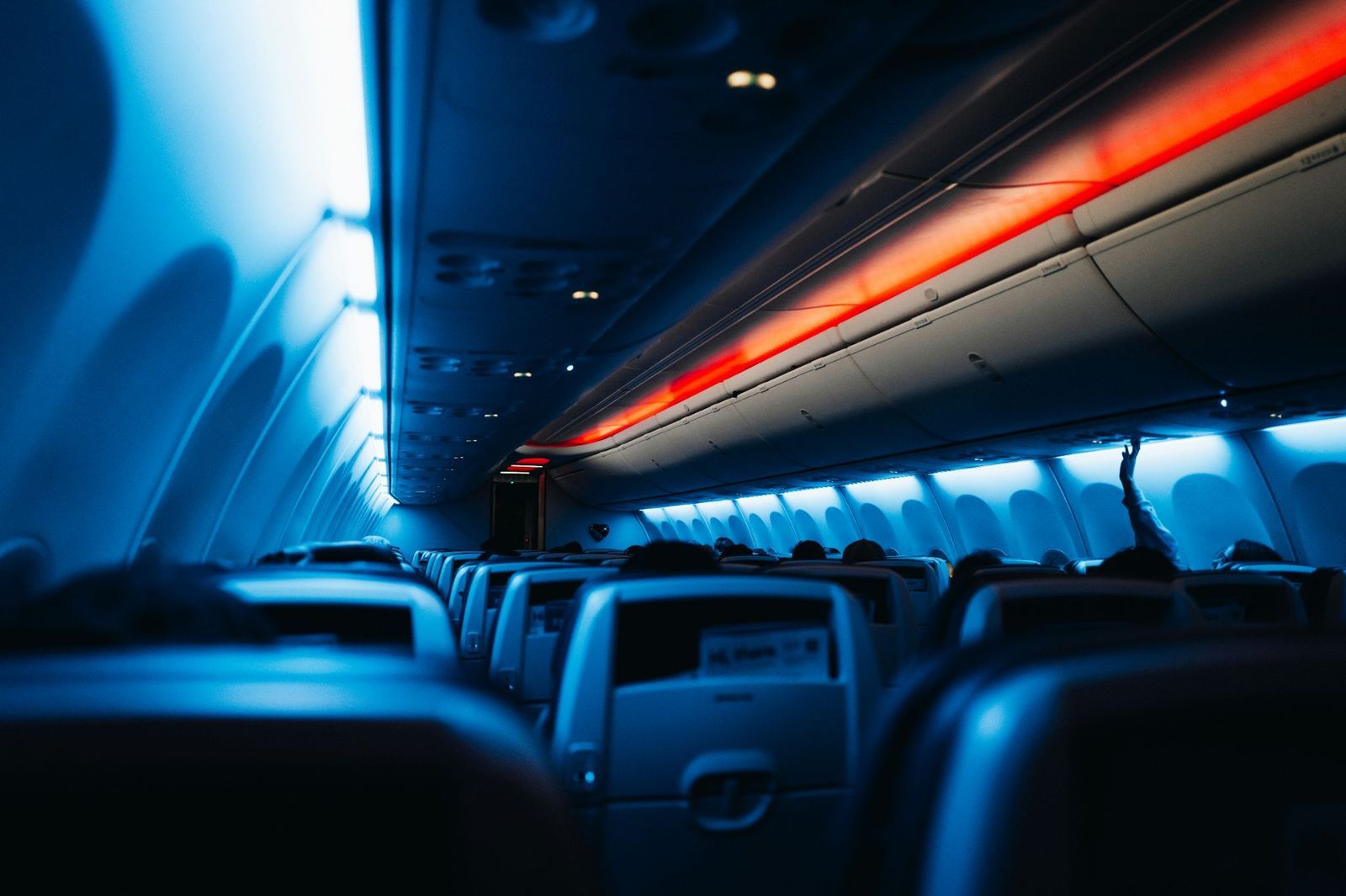
When the lights go down before a nighttime takeoff or landing, the airline isn't trying to create a relaxing atmosphere. The change helps passengers' and crew members' eyes begin adapting to the darkness outside before an emergency could force everyone out of the aircraft.
It also makes illuminated exit signs and floor-level escape-path lighting easier to see. And with fewer bright reflections on the windows, conditions outside are easier to assess. If an evacuation becomes necessary, those seemingly insignificant seconds spent adjusting to darkness can suddenly matter.
Window shades open
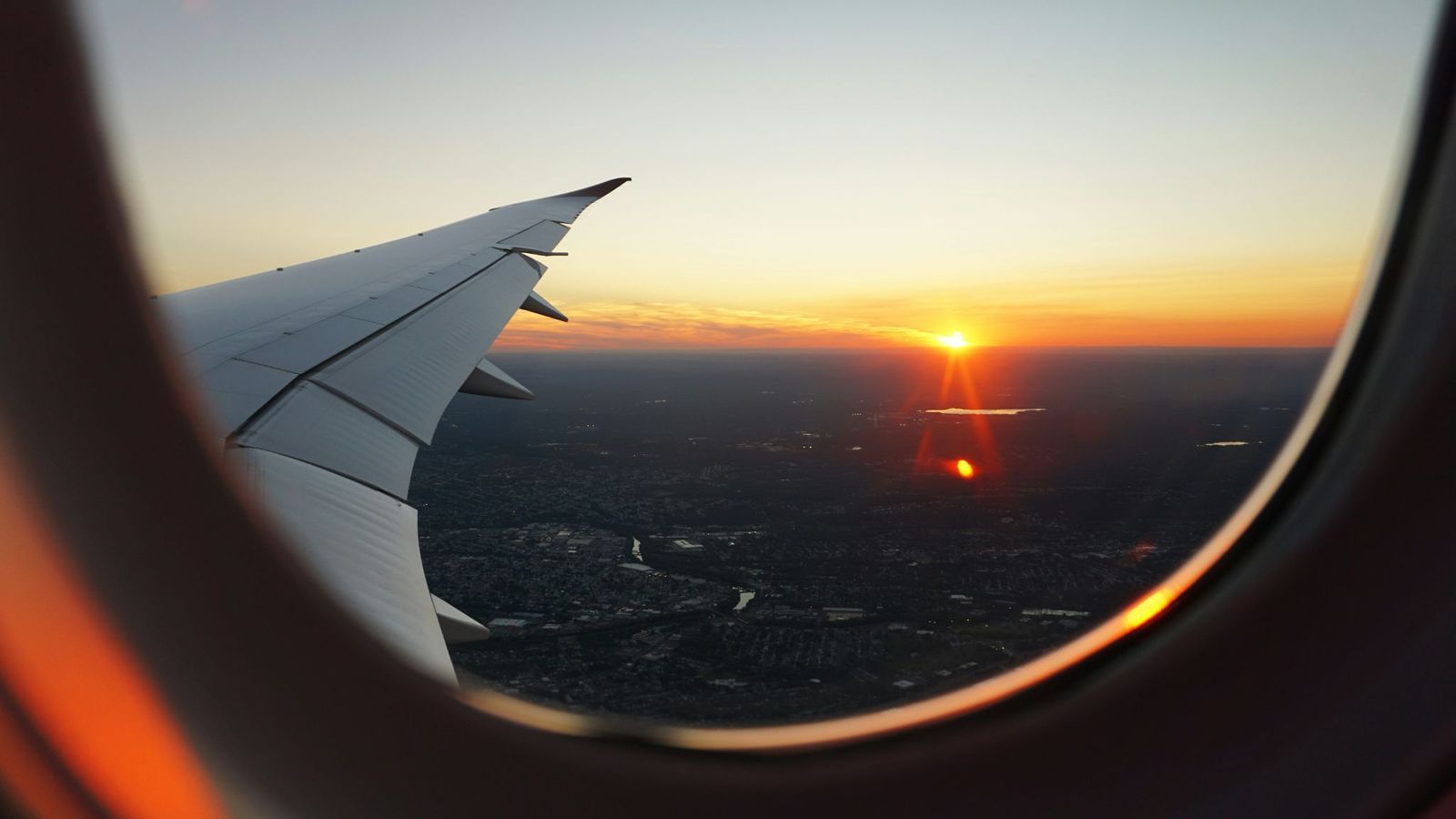
Open shades give flight attendants a quick view of what is happening outside. In an emergency, that can help them spot fire, smoke, debris, or another hazard before deciding whether an exit is safe to use. Emergency personnel outside may also be able to see into the cabin.
That's especially important around takeoff and landing, when crews need to be prepared for a rapid evacuation. Procedures aren't identical on every airline, but where shades must be open, the reason is practical rather than scenic.
Seat completely upright
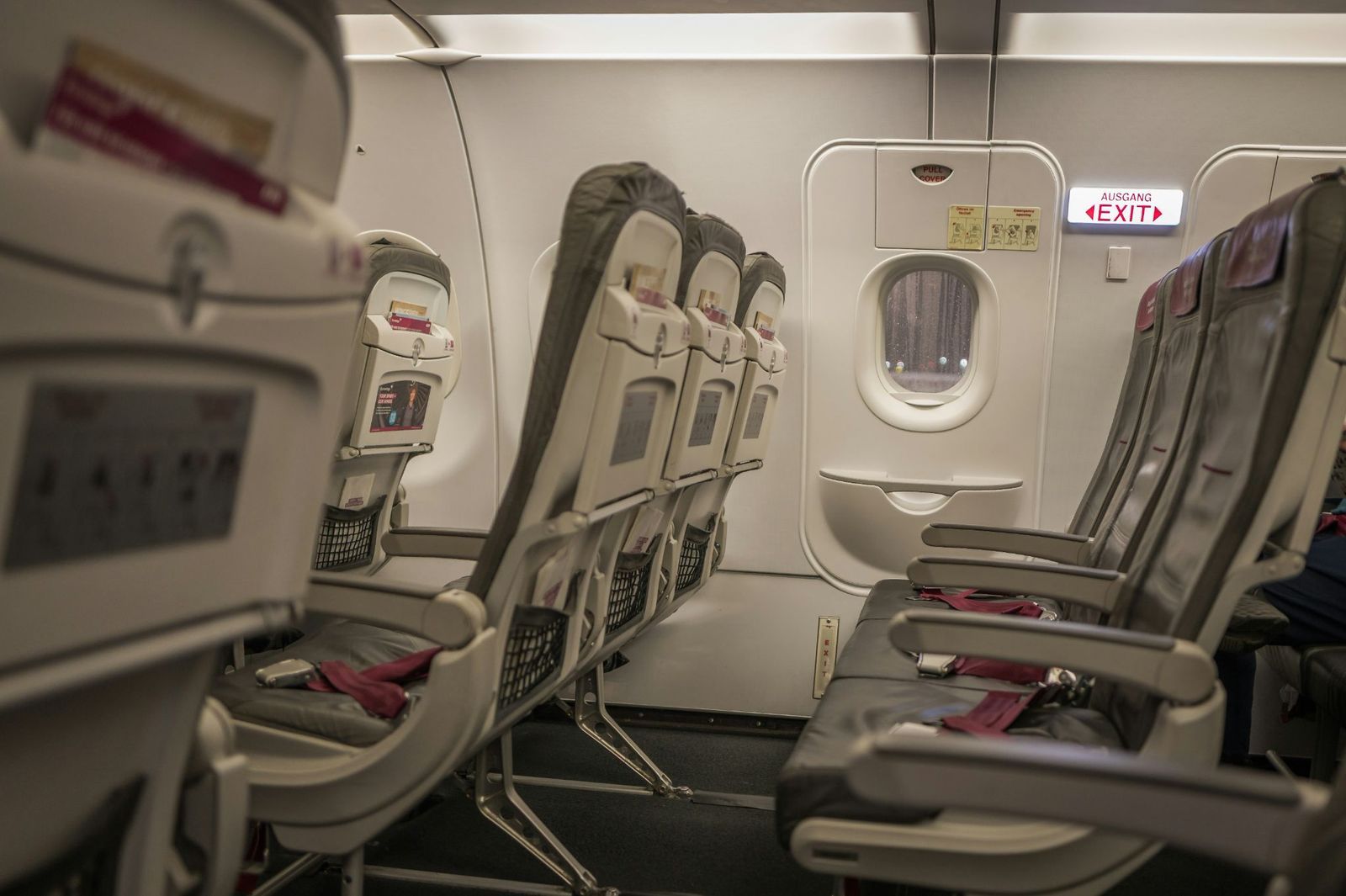
That last inch of recline may seem trivial, but "upright" really does mean fully upright. Aircraft cabins and seats are certified in specific configurations, and the takeoff and landing position is designed with occupant protection and emergency evacuation in mind.
There's another passenger to consider: the one behind you. A reclined seat reduces the space available for that person to move, something that becomes far more important if an entire row suddenly needs to reach the aisle. The rule has been part of U.S. airline safety requirements since 1968.
Empty tray tables stowed
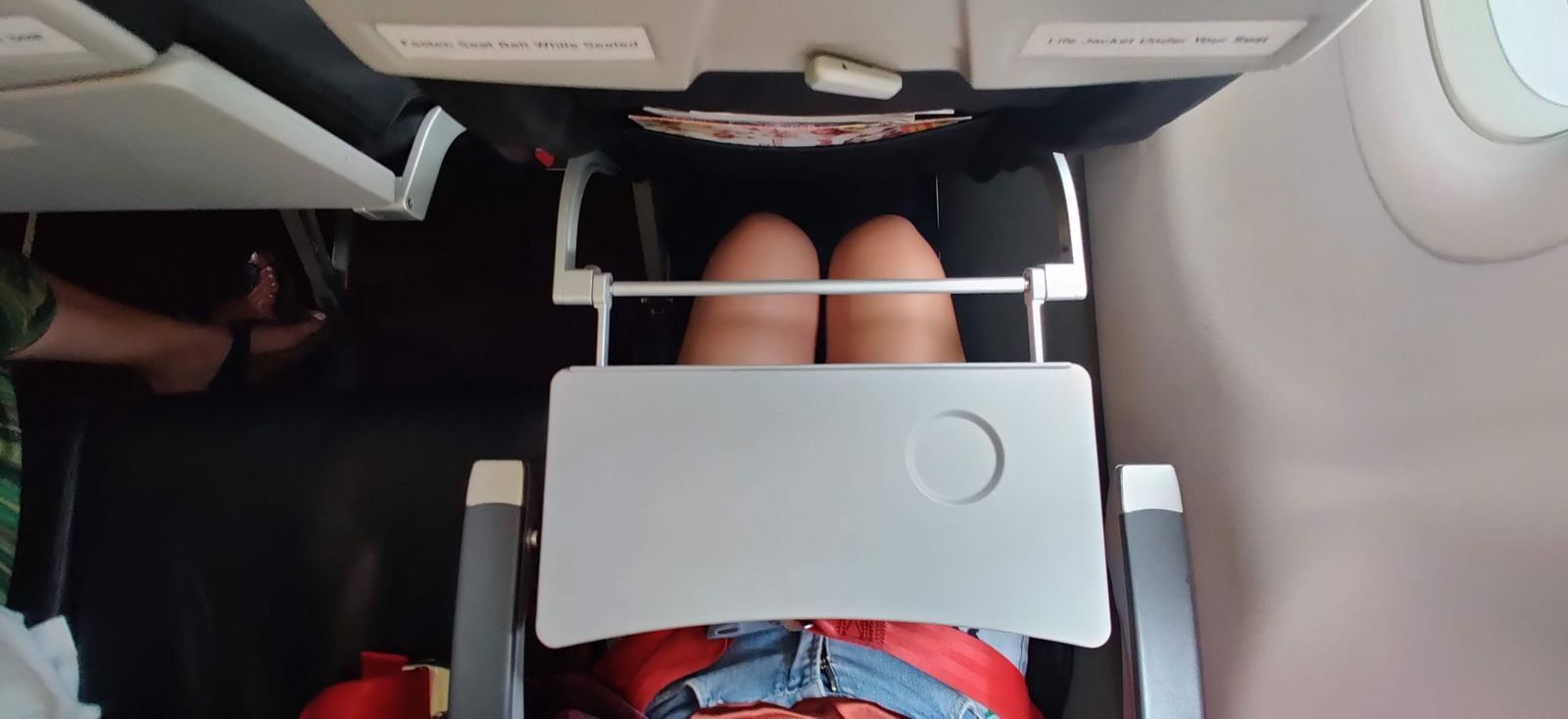
The half-finished coffee isn't the only reason your tray has to disappear. Even completely empty, an open tray is a rigid obstacle directly in front of your body and can interfere with movement when passengers need to get out of a row quickly.
That's why tray tables are among the cabin items secured before takeoff and landing. The objective is to remove unnecessary obstacles and return the passenger area to its proper configuration.
Bags all the way under the seat
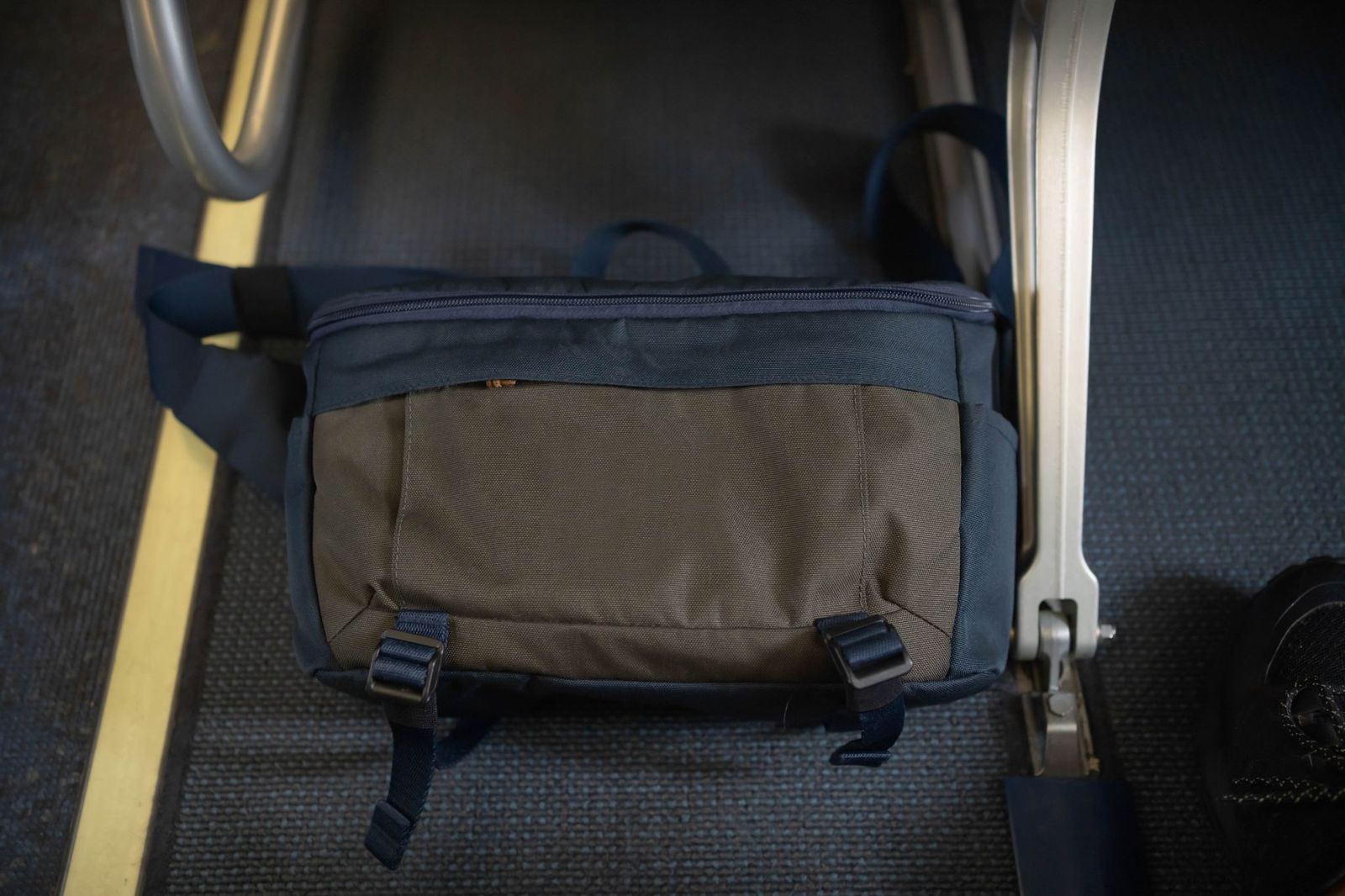
A backpack sticking a few inches into the footwell may not bother you, but it could become a tripping hazard when several frightened people are trying to reach the aisle. Loose straps present the same problem, which is why passengers are advised to tuck them away.
The FAA warns that carry-on baggage can obstruct aisles during an evacuation, injure people, and even damage evacuation slides if passengers try to take it with them. Since January 2023, more than 40 injuries have been reported during aircraft emergency evacuations. Clear escape routes aren't just tidiness.
What does "cross-check" mean
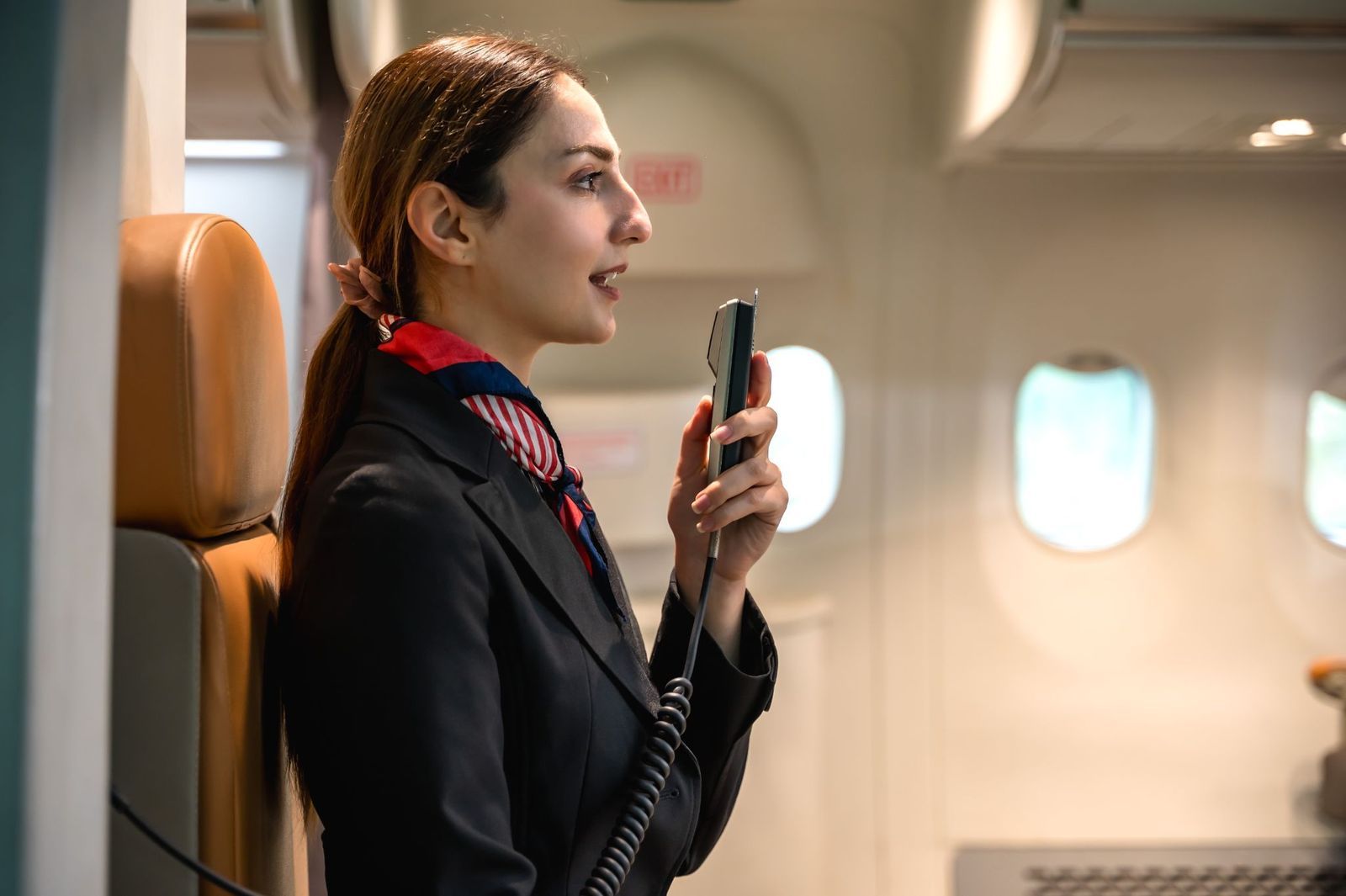
You've probably heard a mysterious announcement involving doors and a "cross-check." Before departure, flight attendants configure aircraft doors so that opening them in an emergency will deploy their evacuation equipment. After landing, the doors must be returned to their normal configuration.
The cross-check is exactly what the name suggests: another crew member verifies that the procedure has been completed correctly. It's a small but important layer of redundancy. One attendant performs the task, and another confirms it instead of assuming everything was done properly.
One last walk through the cabin
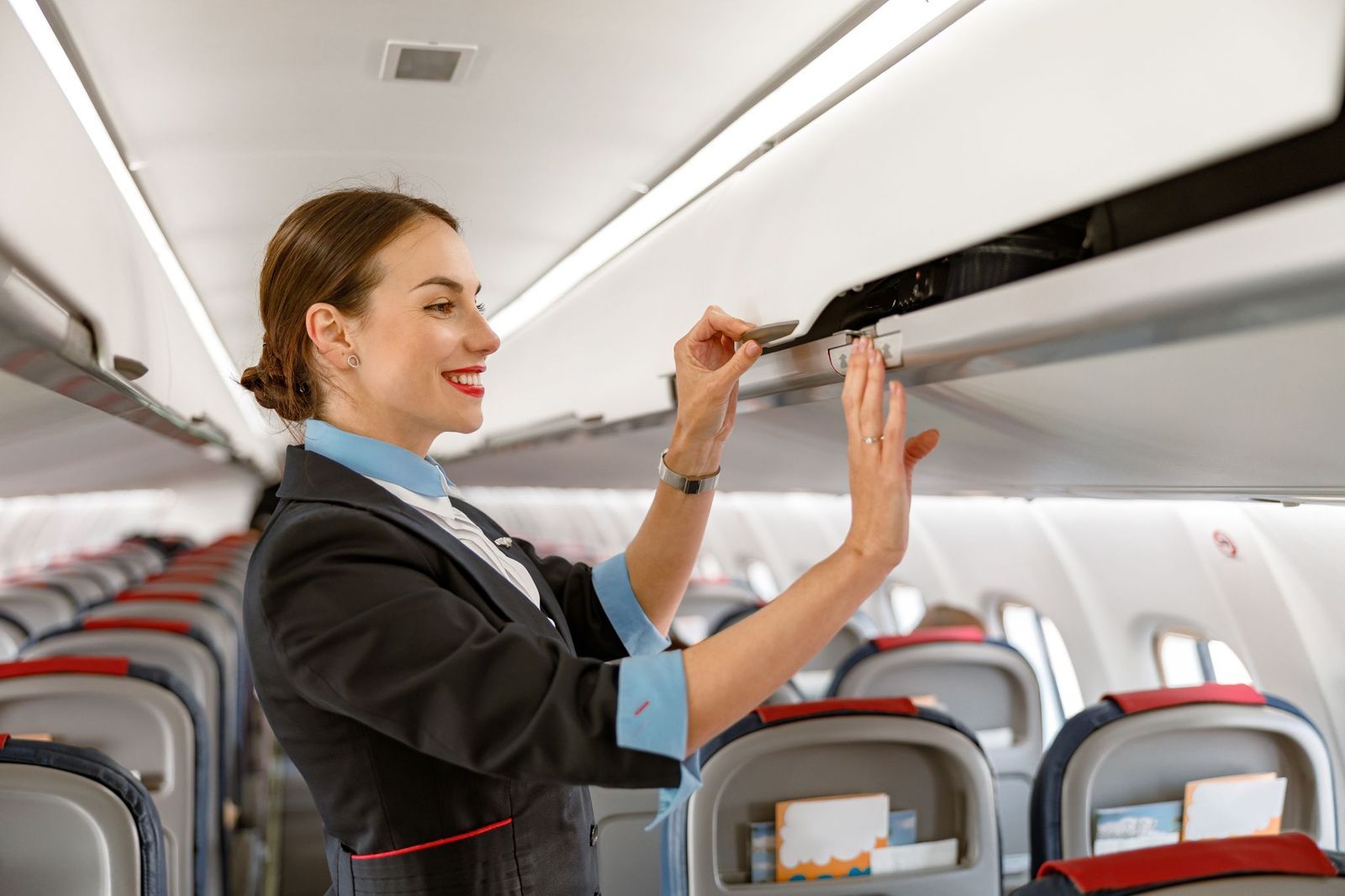
Just before takeoff or landing, flight attendants seem to become extraordinarily interested in everybody's seat. They're actually performing a final cabin safety check, looking for seatbelts, bags, trays, seat backs, and other conditions that must be corrected before the aircraft enters a critical phase.
They are also securing galleys and equipment and dealing with anything that could interfere with safety or an evacuation. Only after those checks are completed can the attendants take their own assigned positions and fasten their restraints. Think of that final walk as the cabin's last inspection before everyone commits to takeoff or landing.
Why do flight attendants’ seats sometimes face backward?
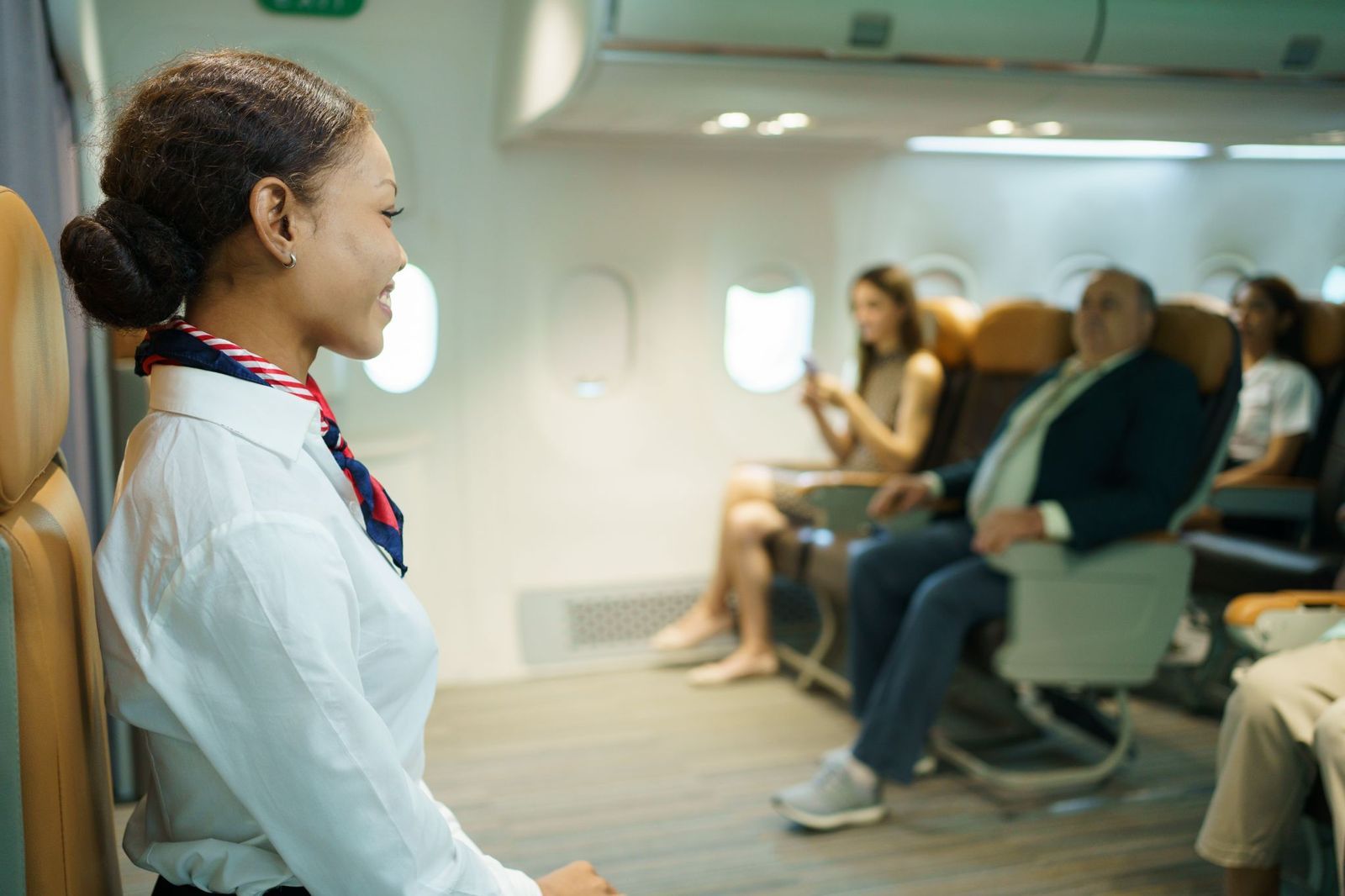
Flight-attendant jumpseats can look bizarre compared with passenger seats. They may face forward or backward, and their placement is closely connected to the crew's emergency duties. Required seats are generally positioned near emergency exits and, where possible, where attendants can observe the cabin they're responsible for.
The seats also have specialized restraint and support requirements intended to protect crew members. So the unusual orientation isn't simply because somebody decided that traveling backward is always safer. A jumpseat is essentially an emergency workstation designed around where that crew member needs to be when something goes wrong.
Why remove your headphones?
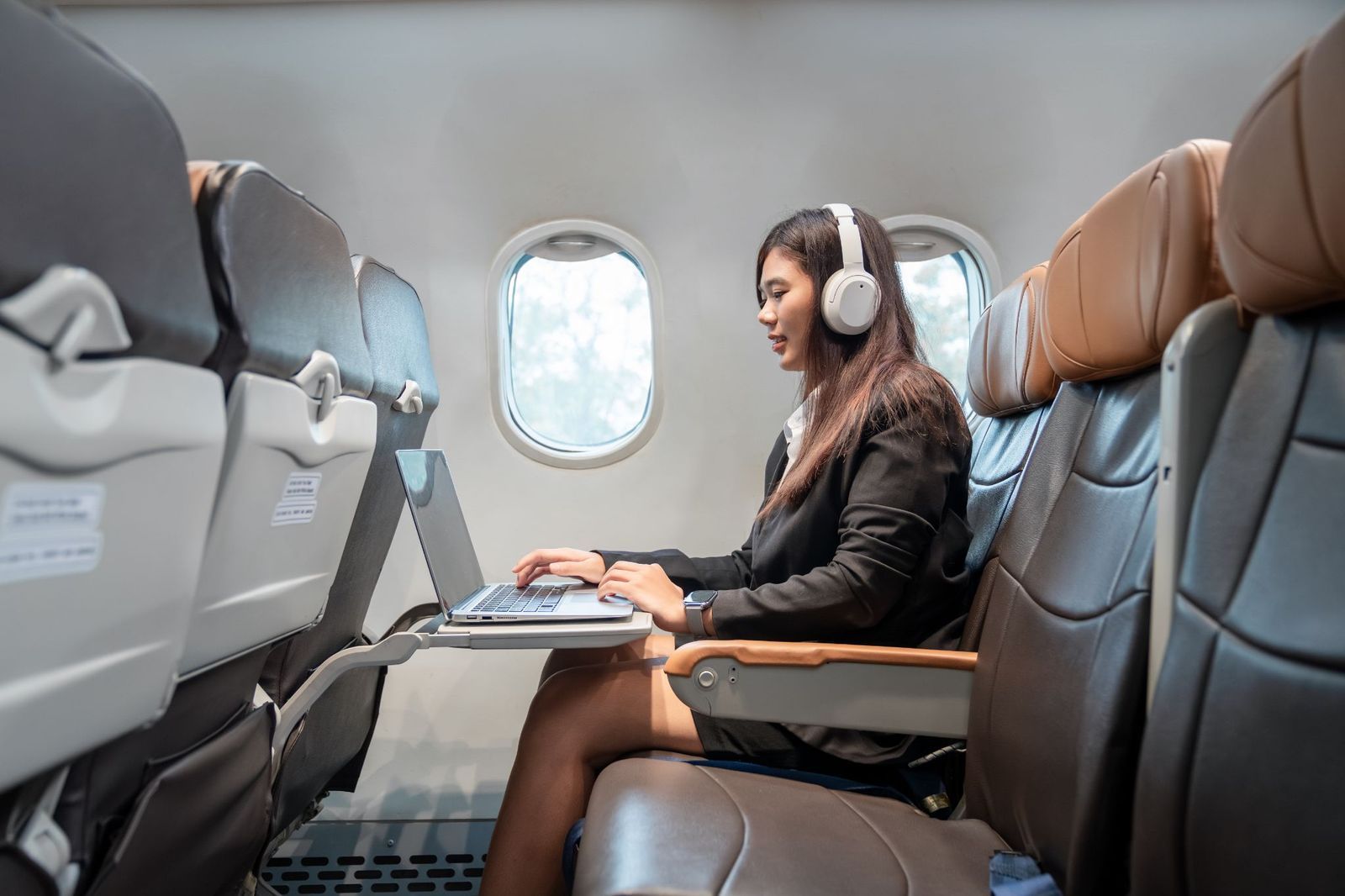
The concern isn't whether you're enjoying music during takeoff. Headphones can reduce your awareness of what's happening around you and make an unexpected crew instruction harder to hear at precisely the moment when passengers may need to react immediately.
Wired headphones can create another potential problem because dangling cords may interfere with movement. Policies vary among airlines, so passengers aren't universally required to remove every type of headphone. But when a crew member asks, the logic is simple: during critical moments, they want your ears available too.
Why count passengers?
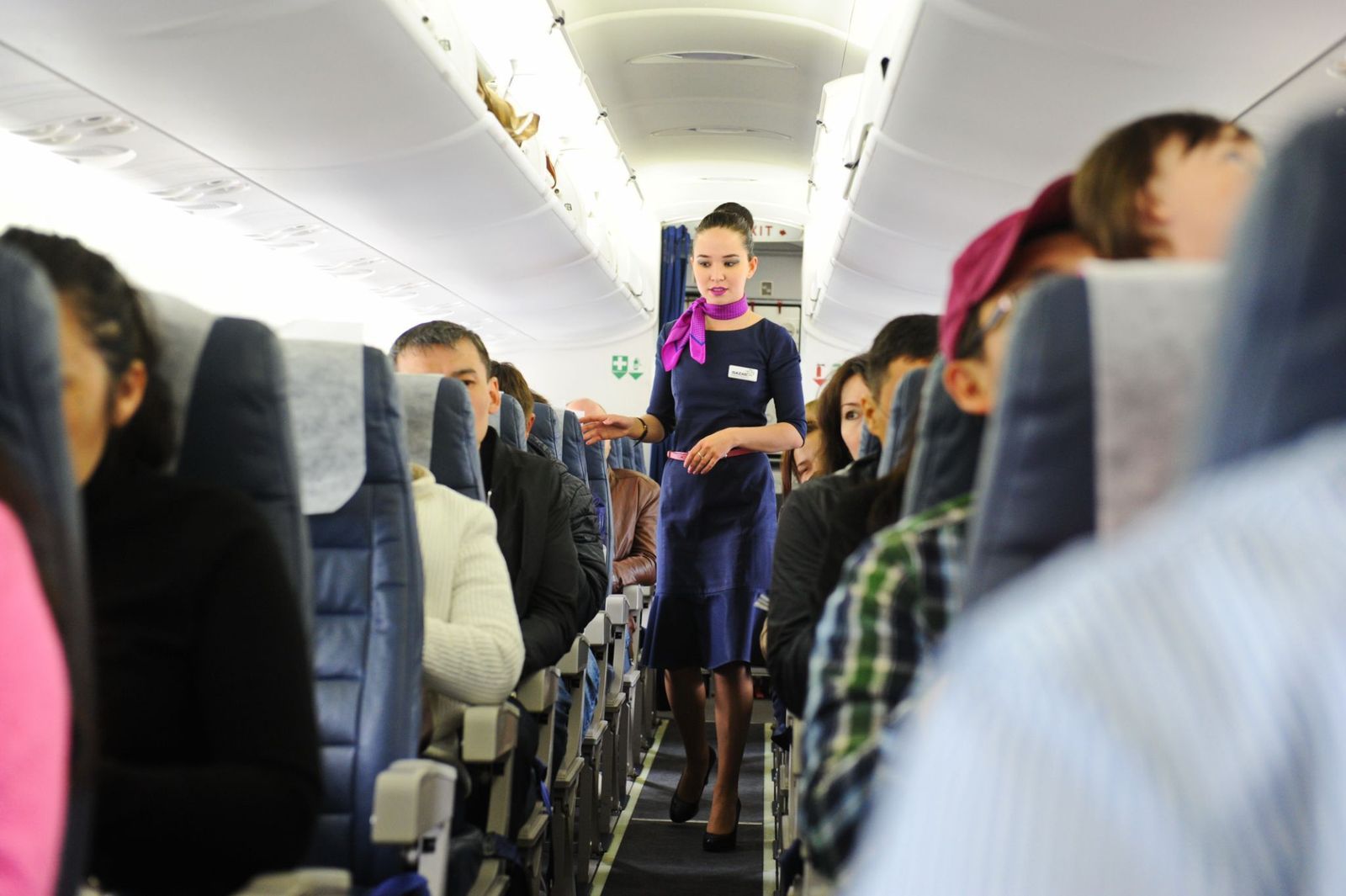
The airline's computer knows how many reservations it has, but crews need to know how many people are actually aboard. No-shows, last-minute changes, and boarding discrepancies can make those two numbers different, and an accurate passenger count can matter for weight, balance, and other operational calculations.
The FAA has documented cases in which physical passenger counts helped resolve discrepancies. Passenger distribution can matter too: after one airline investigated a tail strike, its procedures included a visual inspection and count to confirm that passengers were appropriately distributed before the cabin was declared ready.
Final takeoff preparations
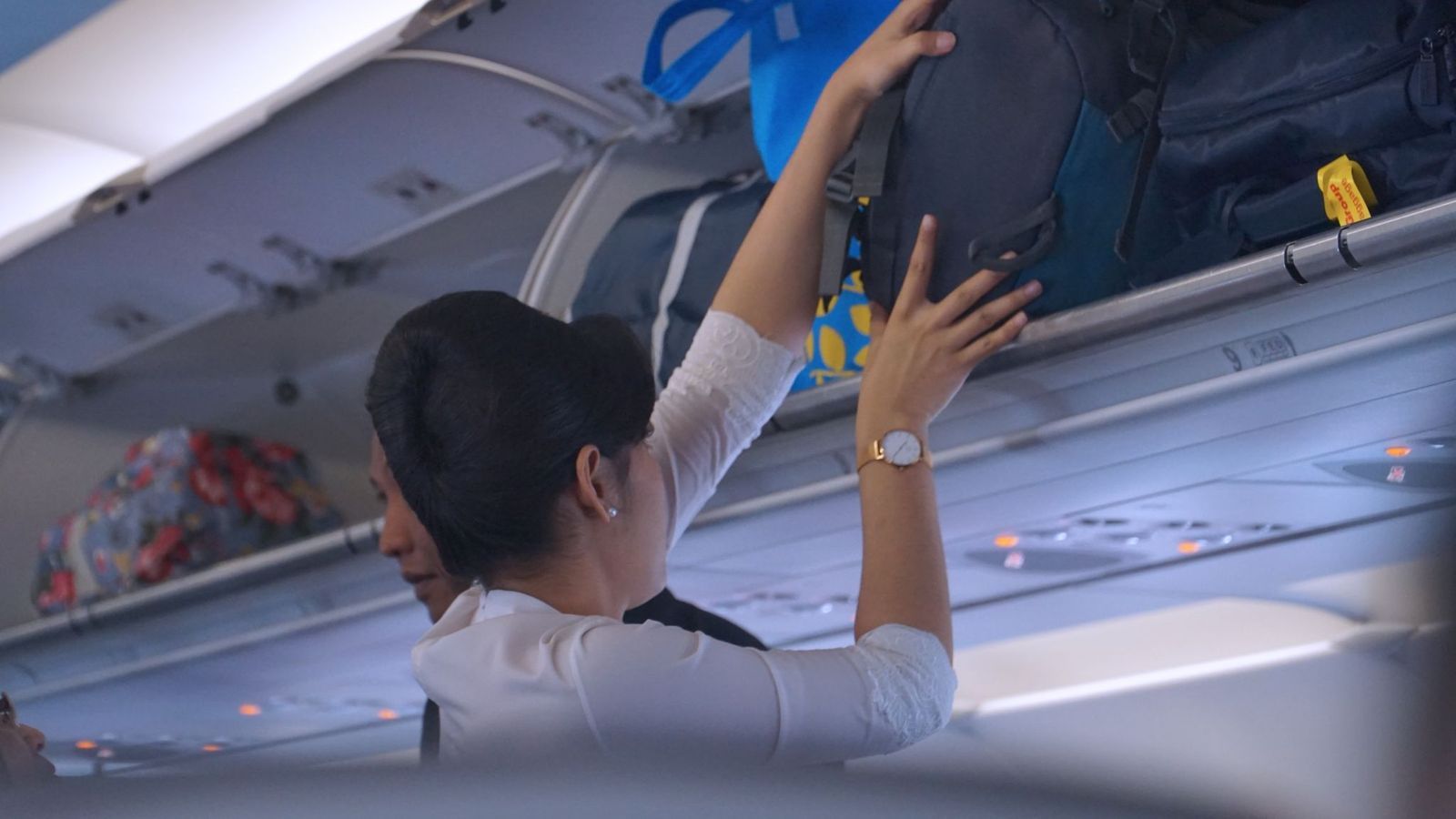
Once the cabin is secure, you may see your flight attendant sitting silently while everyone else waits for takeoff. That quiet moment can include something called a "silent review" or "30-second review": a mental rehearsal of what to do if the routine departure suddenly becomes an emergency.
Depending on procedures, attendants may review their assigned exit, alternative exits, evacuation commands, and other immediate actions. Airbus notes that the technique can help crews remain focused and reduce the startle effect of an emergency. So while you're wondering how long the taxi will take, the person beside the door may already be rehearsing how to get everyone out.
Keep wandering
There’s always
more to explore
 Culture

These 10 real places feel like stepping into famous paintings
5 min.
Read Now

The surprising reason most cruise ships don’t fly the American flag
4 min.
Read Now

A town called Chicken? Why are these 10 U.S. places named after food?
4 min.
Read Now
10 things to pack that could save your vacation
5 min.
Read Now