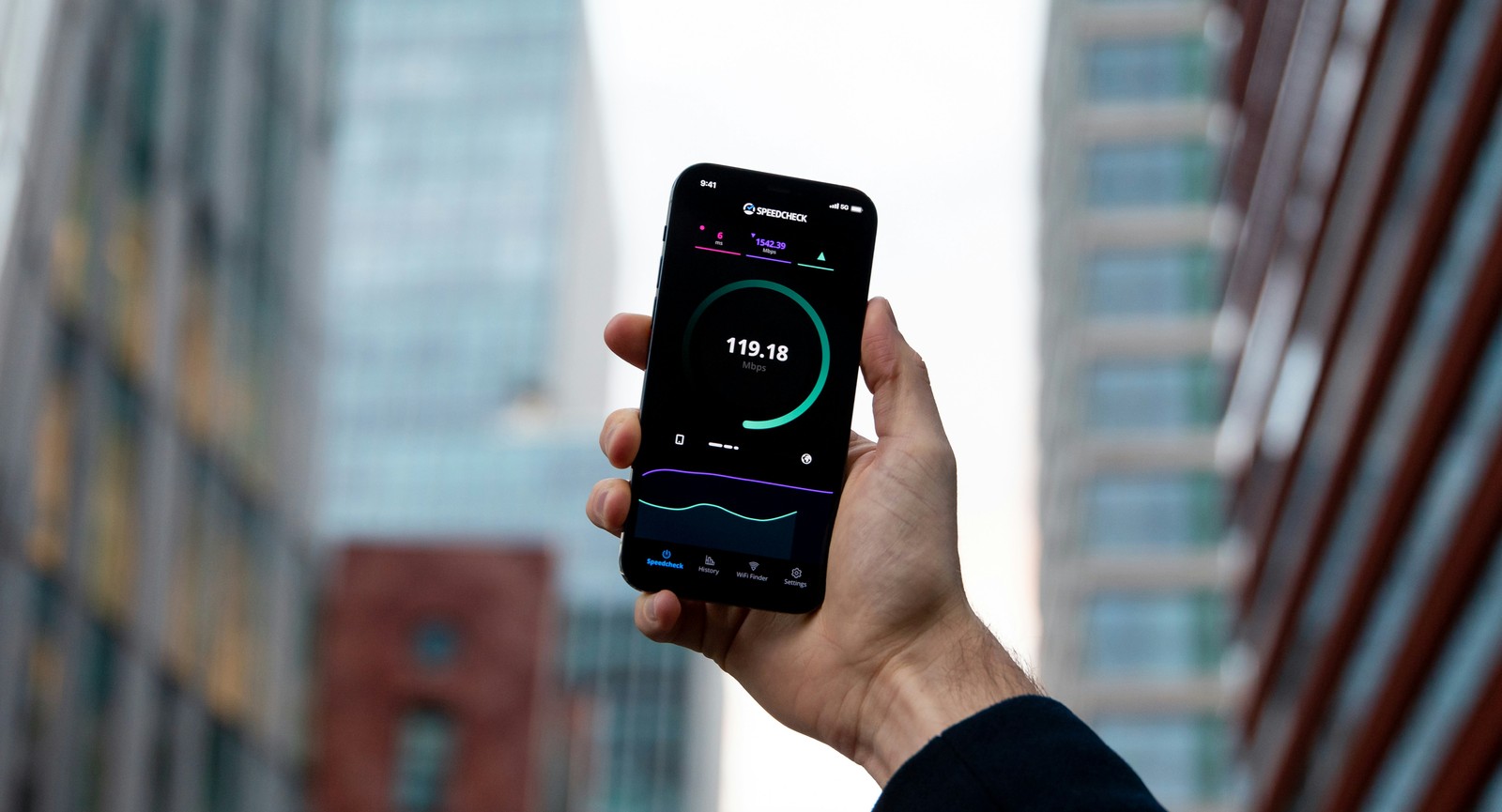
Get the most out of your phone and travel smarter with these tricks
 General
Your travel buddy
Get the most out of your phone and travel smarter with these tricks
When you're traveling, your phone is the ultimate Swiss Army knife in your pocket, and knowing the right tricks can turn a stressful trip into a breeze.
Did you know that a quick call to your carrier before you board could save you from coming home to an expensive bill? Or that you can download entire city maps before you leave so you’ll never be lost, even without a cell signal? These and other tricks will help you use that device in your hand to travel smarter, safer, and with much more confidence.
Download your maps before you leave home
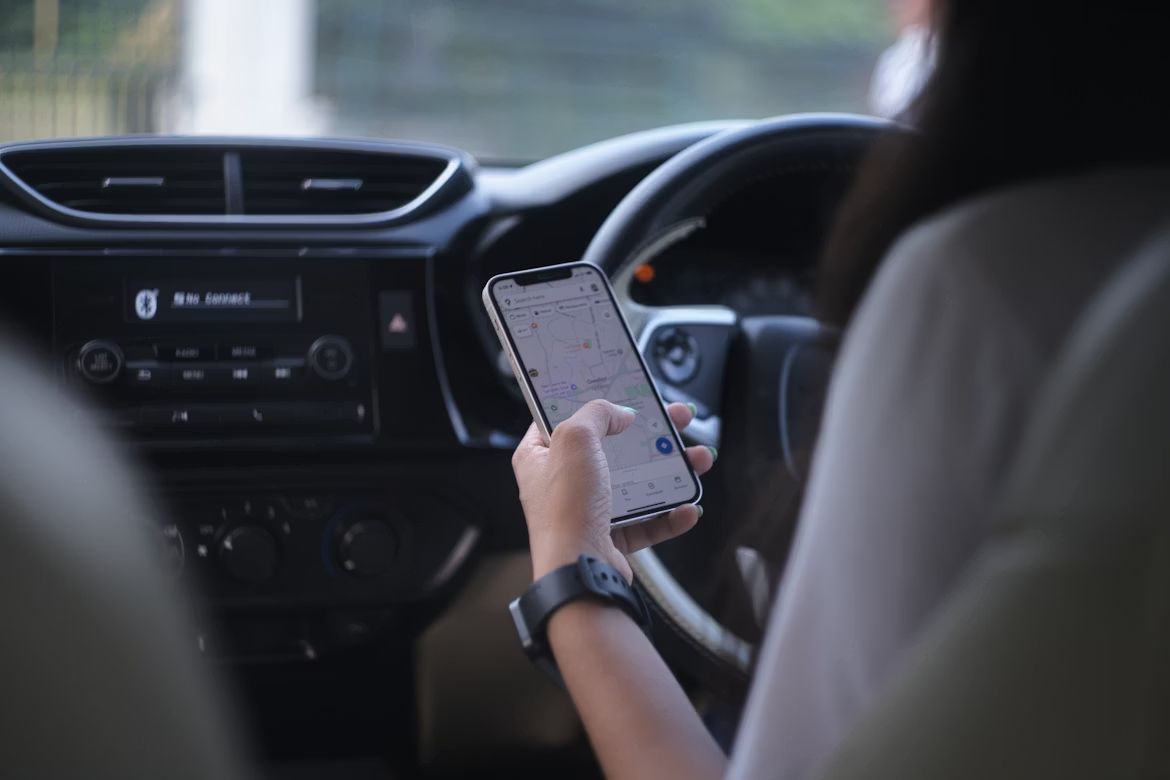
You can save Google Maps for offline use before your trip, meaning you can navigate even when you have zero cell service. Just open Google Maps, search for the city or region you're visiting, tap the three dots in the corner, and hit "Download offline map."
Data roaming abroad can cost you a small fortune, and even domestically, rural areas have spotty coverage at best. With your map saved offline, you can still find that charming diner on Route 66 without burning through your data plan.
Set up your phone for international traveling
Before you board that flight, call your carrier and ask about an international plan. Most carriers offer temporary add-ons that let you use your phone abroad for $10–$15 a day without coming home to a bill that looks like a ransom note.
If you’re feeling more adventurous, you can also pick up a local SIM card when you land. It’s cheaper for longer trips, and locals at the airport kiosks are usually happy to help you swap it in.
Use your phone as a safety net
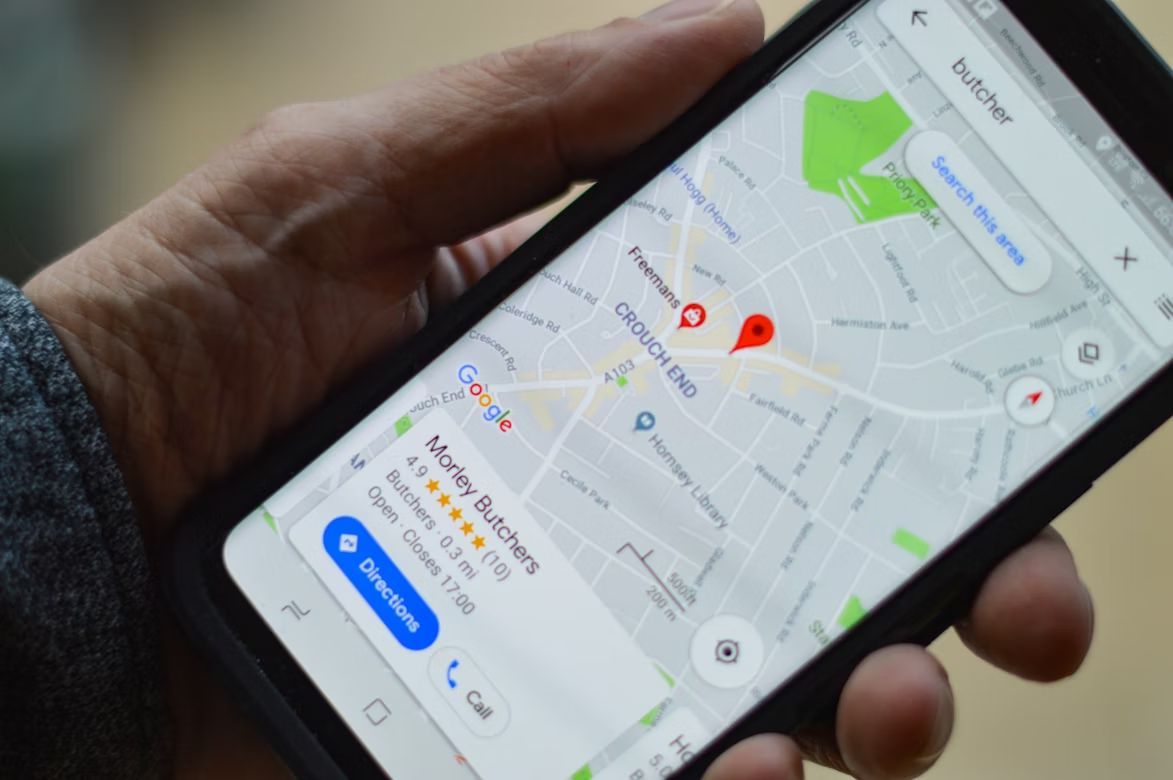
Share your itinerary with a family member back home using a simple app like "Find My" (iPhone) or "Google Maps location sharing" (Android). It lets someone you trust see where you are in real time, which is genuinely reassuring for everyone involved.
Also, take a photo of your passport, travel insurance info, and hotel address, and store it in your phone's photos or email it to yourself. If your wallet gets stolen or you just can't find things in a panic, having those details one tap away is pure gold.
Keep your boarding passes and tickets in your phone’s wallet
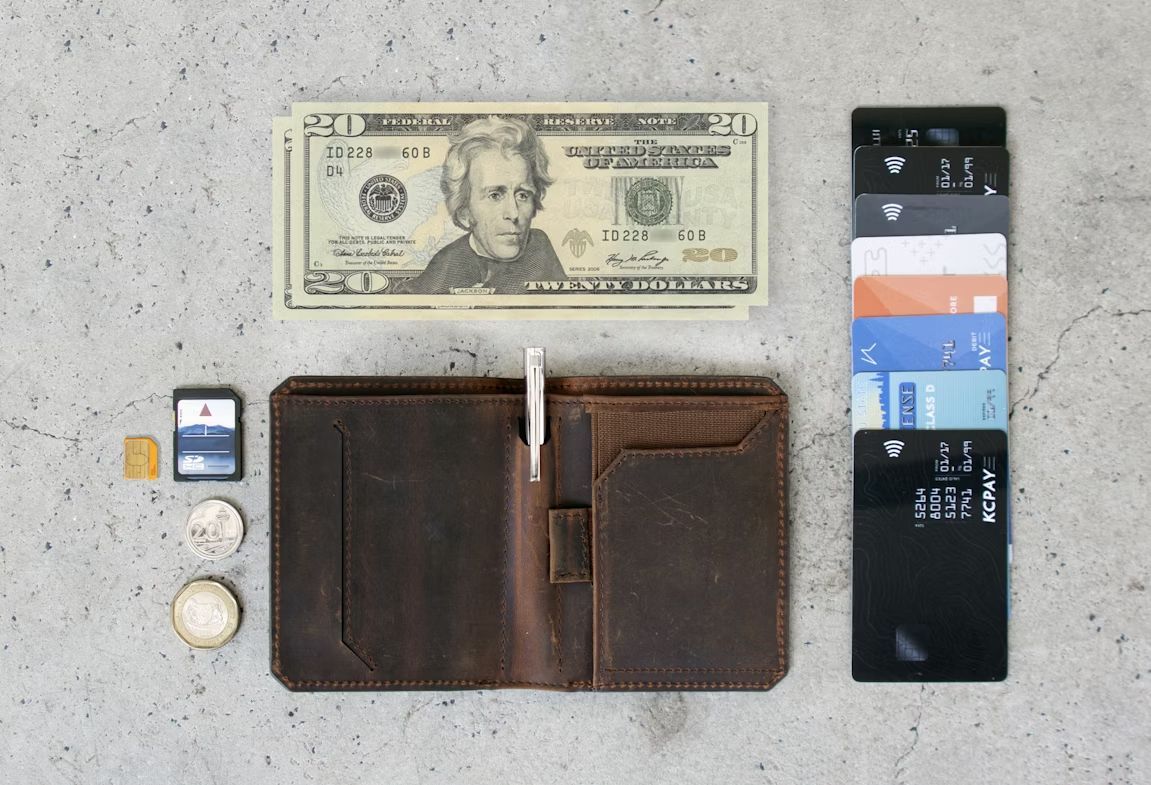
Both iPhone and Android phones have a built-in "Wallet" or "Google Pay" app where you can store digital boarding passes, hotel confirmations, museum tickets, and more. Airlines and most booking apps will offer you an "Add to Wallet" button. Tap it. Done.
It sounds like a small thing, but having everything in one place makes airports and train stations so much less stressful. Still, it’s worth keeping a physical backup, since your phone can run out of battery, lose signal, or glitch at the worst possible moment.
Take better photos
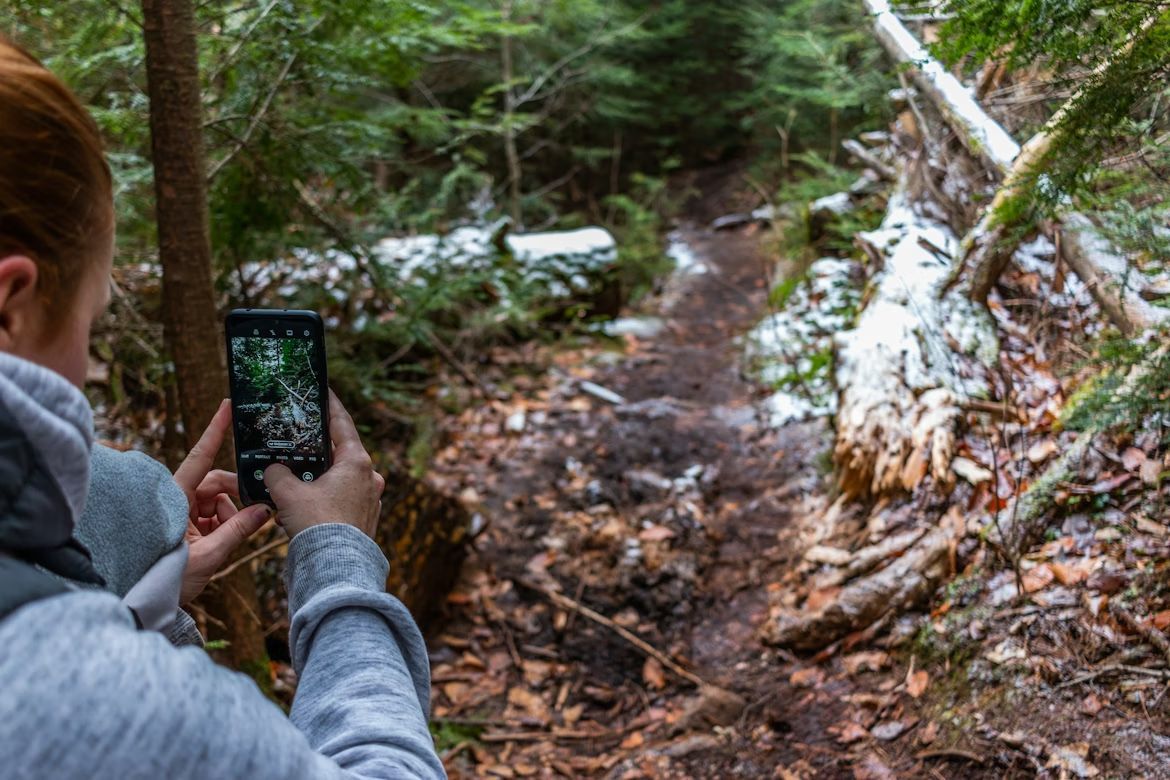
Your smartphone camera is probably better than you think. A few simple habits make a huge difference: tap the screen to focus on what matters, hold the phone steady with both hands, and when possible, shoot with the light in front of you, not behind your subject. Cloudy days actually make for beautiful, soft photos.
Also, remember to clean your lens. A quick wipe with your shirt before a big shot removes the fingerprint smudges that quietly ruin your vacation photos.
Use your phone to find restaurants like a local

TripAdvisor and Yelp have "Locals’ Picks" filters, which can steer you away from tourist traps and toward places where actual residents eat. Just search the area you're in, filter by rating and distance, and read a few recent reviews.
Bonus tip: Google Maps offers photos taken by real customers, not just the restaurant's glossy marketing shots.
Back up your photos automatically
Nothing ruins a trip memory quite like losing all your photos because your phone fell in the hotel pool. Turn on automatic cloud backup before you leave. iPhone users should check that iCloud Photos is turned on. Android users should enable Google Photos backup.
With this turned on, every photo you take uploads to the cloud whenever you're on WiFi.
Use a translation app
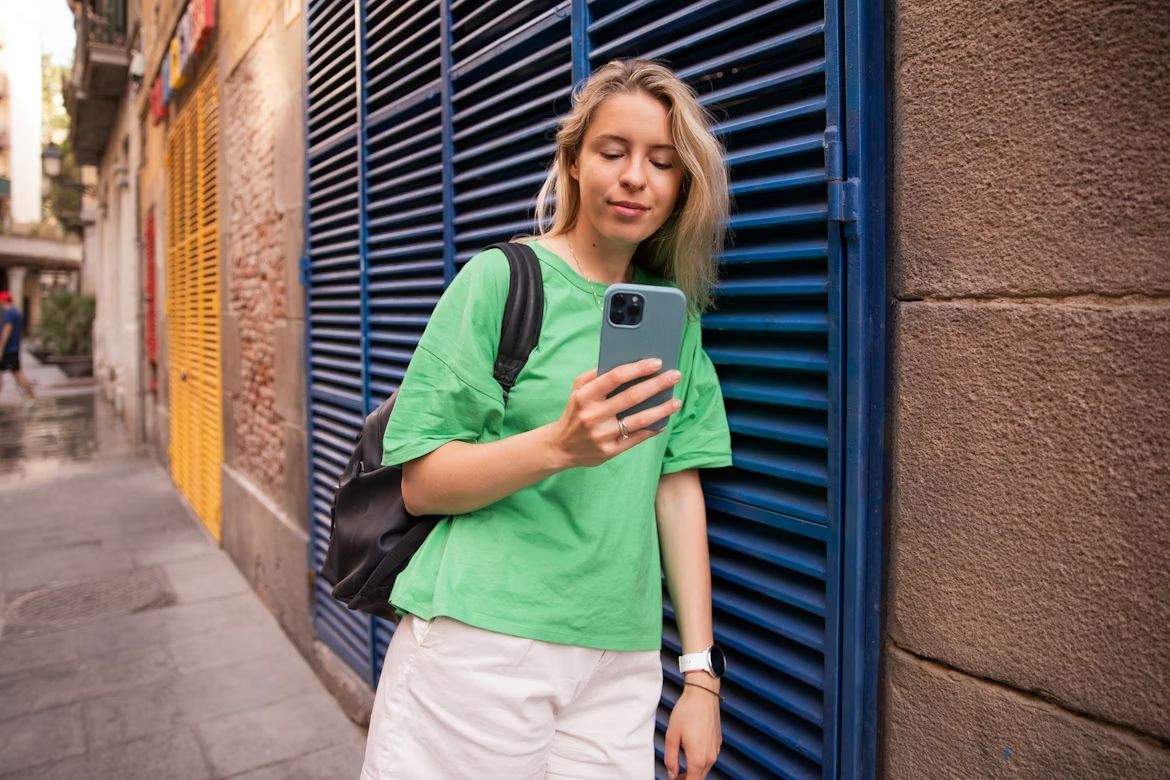
Google Translate is free, surprisingly good, and genuinely fun to use. You can type words, speak into it, or point your camera at a sign or menu and watch it translate the text in real time right on your screen.
Download the language you need for offline use before your trip (same idea as the maps). That way, even if you’re in a cute restaurant in Tuscany with no WiFi, you can still read the menu.
Use "Do Not Disturb" so notifications don’t ruin your vacation
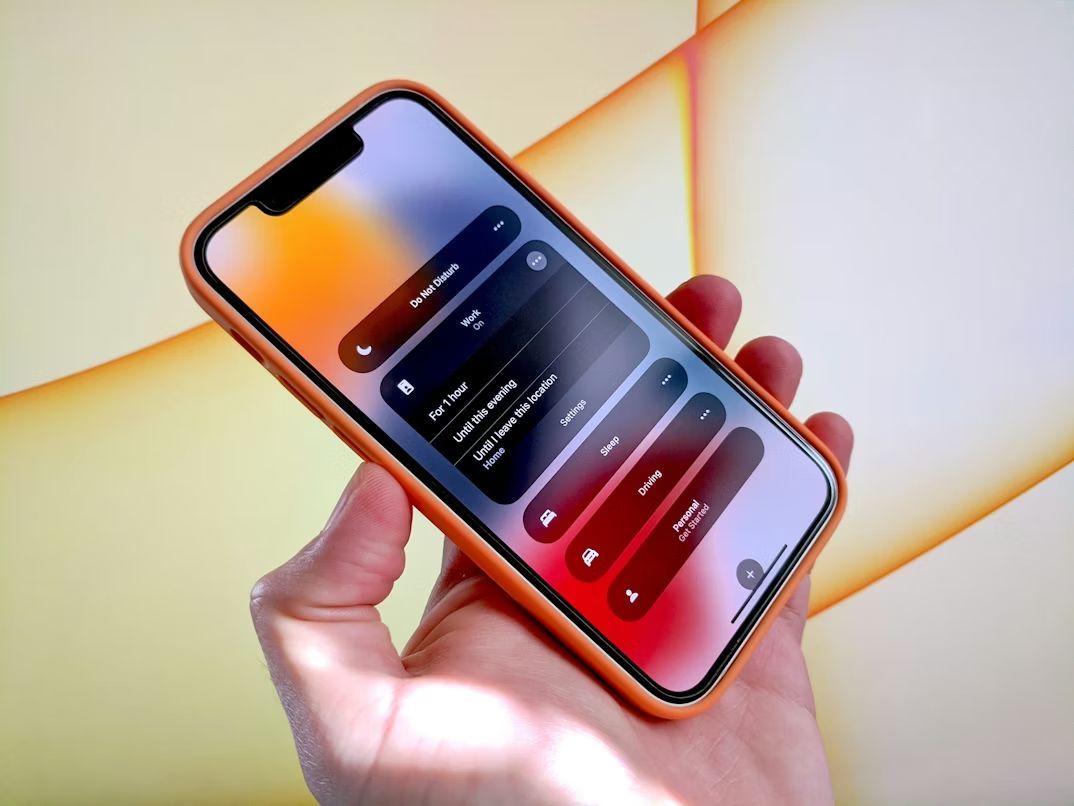
Your nephew's group text about fantasy football and those promotional emails from every store you've ever visited need not interrupt your gondola ride in Venice. Turn on "Do Not Disturb" mode, which silences all notifications except calls from people you designate as favorites.
On an iPhone, swipe down from the top right and tap the crescent moon icon. On Android, it's usually in the quick settings panel (swipe down twice).
Charge smart: Your battery is more fragile than you think

Cold weather, heat, and heavy use all drain your battery faster than normal. Travel with a portable charger: they're inexpensive, small enough to fit in a purse or jacket pocket, and they've saved many a traveler stranded in an airport with a dead phone and no gate information.
Also, put your phone in "Low Power Mode" (iPhone) or "Battery Saver" (Android) when you’re out exploring and know you won’t be near an outlet for hours.
Keep wandering
There’s always
more to explore
Don't do this at airport security: Common behaviors that draw attention
4 min.
Read Now

These are the 11 most shocking things for a foreigner visiting the U.S.
3 min.
Read Now

Airlines say this happens to 99% of bags—Was yours different?
5 min.
Read Now
 Landmarks
Avoid surprises: You could go to jail if you do this in a national park
4 min.
Read Now